34
English
GETTING STARTED
We recommend that you use the GEONAV intuitively, since
no damage will be caused by pressing an incorrect button.
Make sure that the unit is powered,
insert a CompactFlash™ cartridge and
then press PWR.
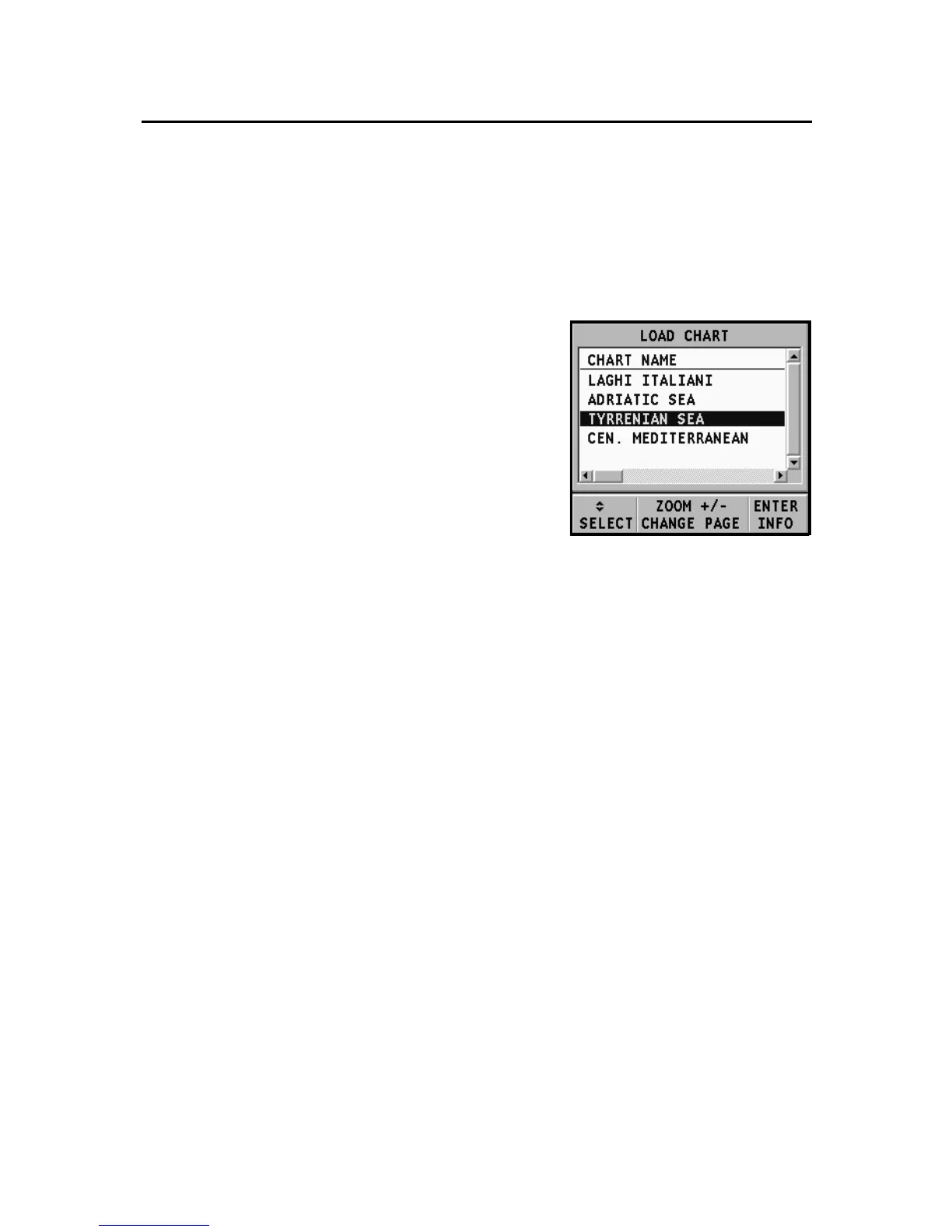
At start-up, all the NAVIONICS charts
stored in the Compact Flash™ will be
automatically loaded.
A message will warn the user that elec-
tronic nautical charts do not replace
official government charts.
Press the PWR key to turn the display backlight on and adjust
brightness by the CURSOR key; press PAGE to continue. The
Satellite window will show the configuration of the satellites
in use. As soon as the GPS receiver has obtained a valid fix (it
can take a few minutes), the boat’s position and the relevant
area will be displayed at the best scale available.
The default language is English. To change the language, press
GOTO to display the menu, then select SETUP, LANGUAGE
and the desired language by the CURSOR key.
The line, or vector, starting from the boat indicates the boat’s
direction, to be ignored if the boat is stationary.
The window situated in the lower part of the screen will
display the boat’s speed, route and chart scale.
The GEONAV is in Navigation mode; by pressing the CURSOR
key, it is possible to switch to Cursor mode (editing mode).
The cursor geographical position is shown by two windows.
To plot a route starting from the boat’s position, move the cur-
sor to the position desired, and press ENTER to insert a waypoint
Getting Started



 To Next Page