55
English
MARKER
Markers are used to identify points of interest to which names
and symbols can be assigned.
NOTE: Marker names are displayed starting from the 32 NM chart range.
CURSOR MODE
Inserting a marker
Move the cursor to the position desired
and hold the ENTER key pressed for more
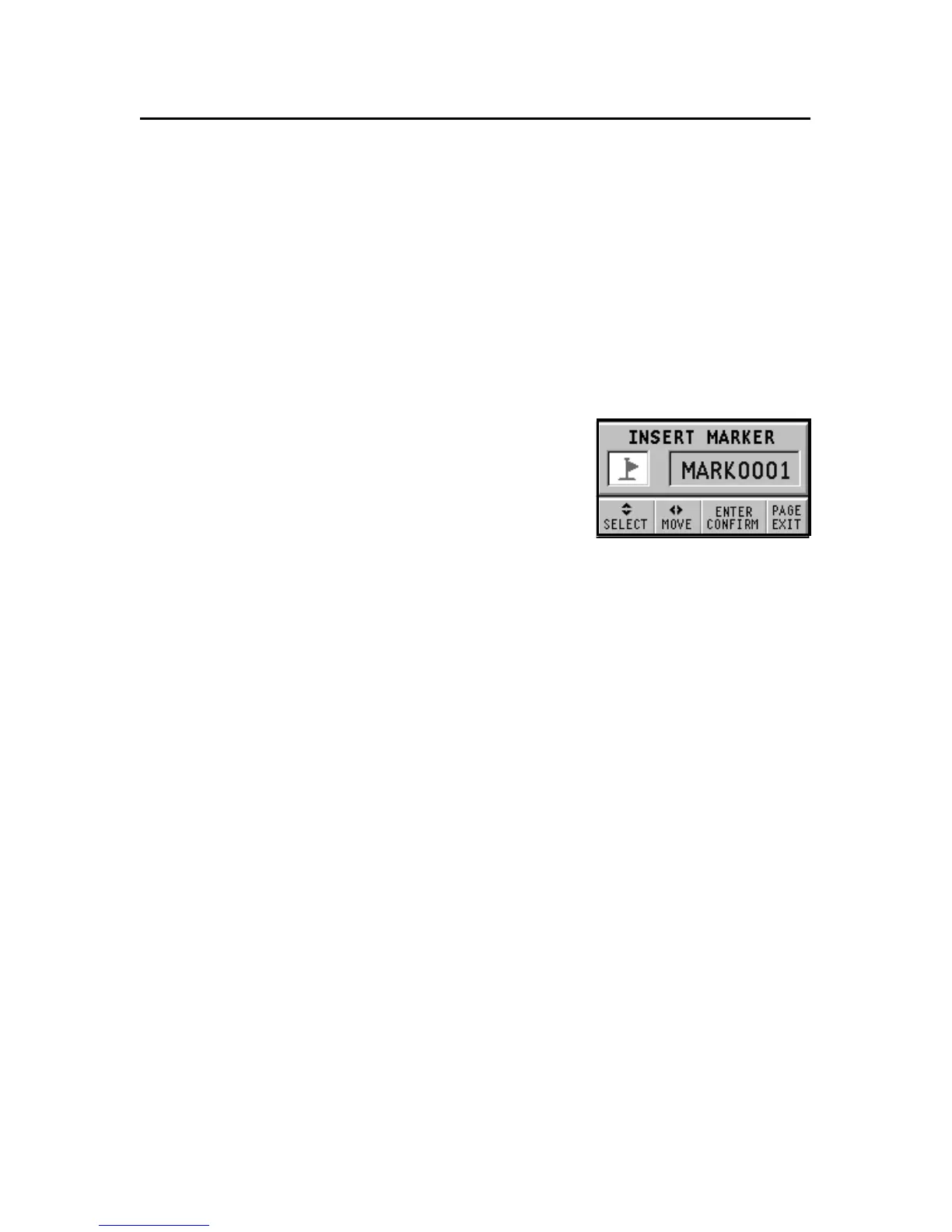
than 2 seconds. A window will display
the symbol and a name automatically as-
signed to the marker.
Use the CURSOR key to change the marker symbol (8 symbols
available) and name (max. 8 characters) according to the type
of marker to store (e.g., fishing spots, wrecks, rocks, etc.).
Press ENTER to confirm the insertion.
NOTE: The cursor can be moved to the desired position also by using most of the
GOTO functions. See the relevant sections for further details.
Changing a marker name/symbol
Position the cursor on the marker desired and press ENTER; a
window will display the symbol and the name previously as-
signed to the marker selected. Use the CURSOR key to change
the marker name and symbol. Press ENTER to confirm the op-
eration.
Deleting a marker
Position the cursor on the marker to delete and press CLR.
NAVIGATION MODE
Inserting a marker
Press the ENTER key to insert a marker at the boat’s position. A
window will display the symbol and the name automatically
assigned to the marker; to change the marker symbol and name
Marker



 To Next Page