20
English
NAVIONICS Electronic Charts
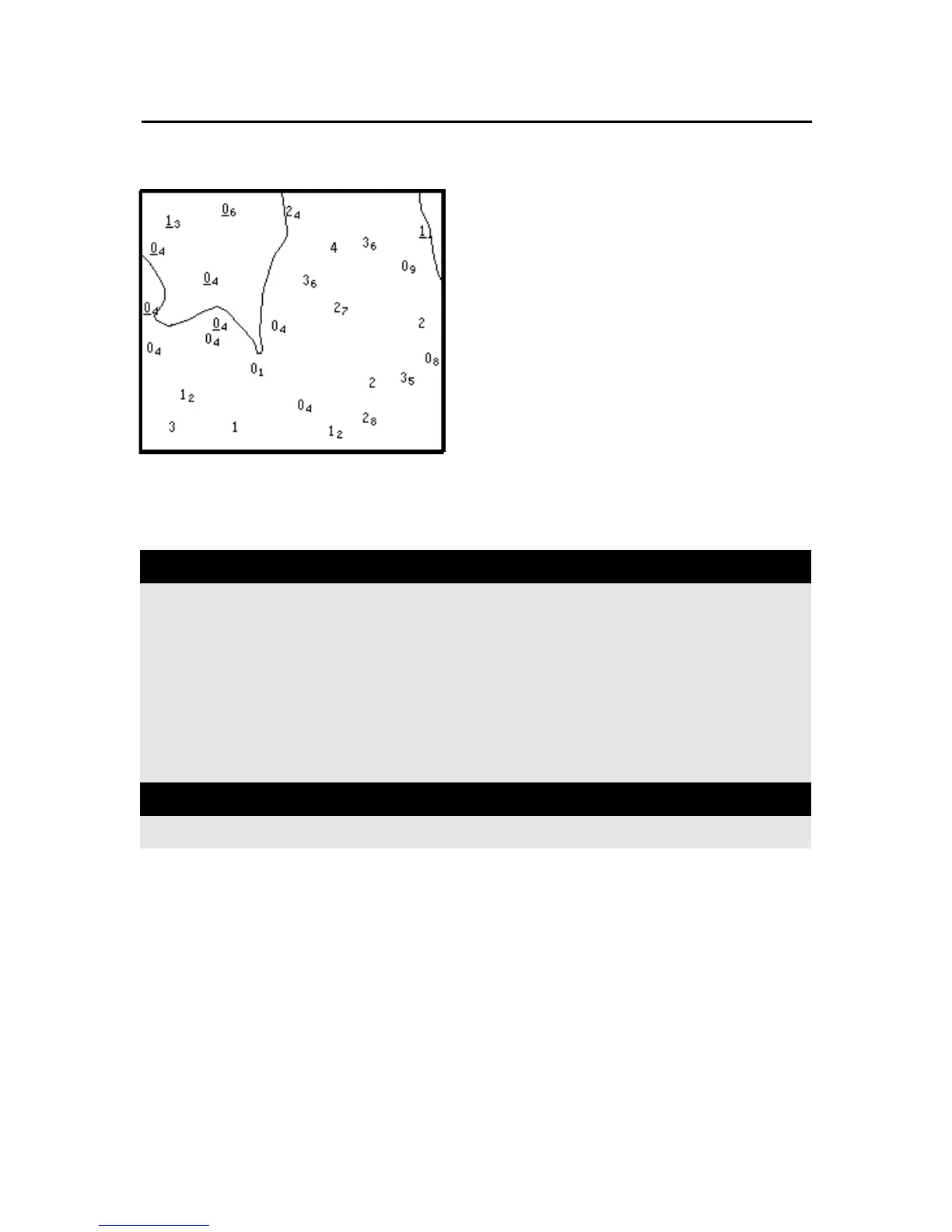
depth values in the unit se-
lected, making them appear like
those reported in the official
nautical charts (see the figure).
Displaying abbreviated navaid charac-
teristics
Position the manual cursor on
the navaid symbol. A window
will show the abbreviated char-
acteristics of the navaid selected.
Description of abbreviated navaid characteristics:
Displaying object attributes
Move the manual cursor on top of an object on the chart, then
press GOTO and select INFO. A window will show the descrip-
tion of all the objects present on the chart at the cursor posi-
tion. Select one object from this window and press ENTER to
show all of the object attributes.
The objects that can be queried include depth contours, depth
areas, point objects (lights, navaids, landmarks, etc.), land
areas, spot soundings, coastlines, rocks, wrecks and in gen-
eral any symbol present on the chart.
ABBREVIATIONS FOR LIGHT ABBREVIATIONS FOR COLOR
AL alternating AM amber
F fixed B black
FLL fixed and flashing BL blue
FL (...) group flashing G green
FL single flashing OR orange
IQ interrupted quick R red
OC single-occulting VL violet
OC (...) composite group occulting W white
Q continuous group Y yellow
ABBREVIATION FOR PERIOD ABBREVIATION FOR RANGE
xxS xx seconds xxM xx nautical miles



 To Next Page