64
English
Setup
By choosing USER, enables/disables the display of the
single items.
• Easy View (ON/OFF)
Enables/disable the Chart Magnification function.
• Overzoom (ON/OFF)
Enables/disable the Overzoom function.
• Presentation (INTER./U.S.)
Selects the symbols and colors of chart presentation.
• Own Ship Icon
Selects the icon that will identify the ship’s position on
the screen.
3D DISPLAY
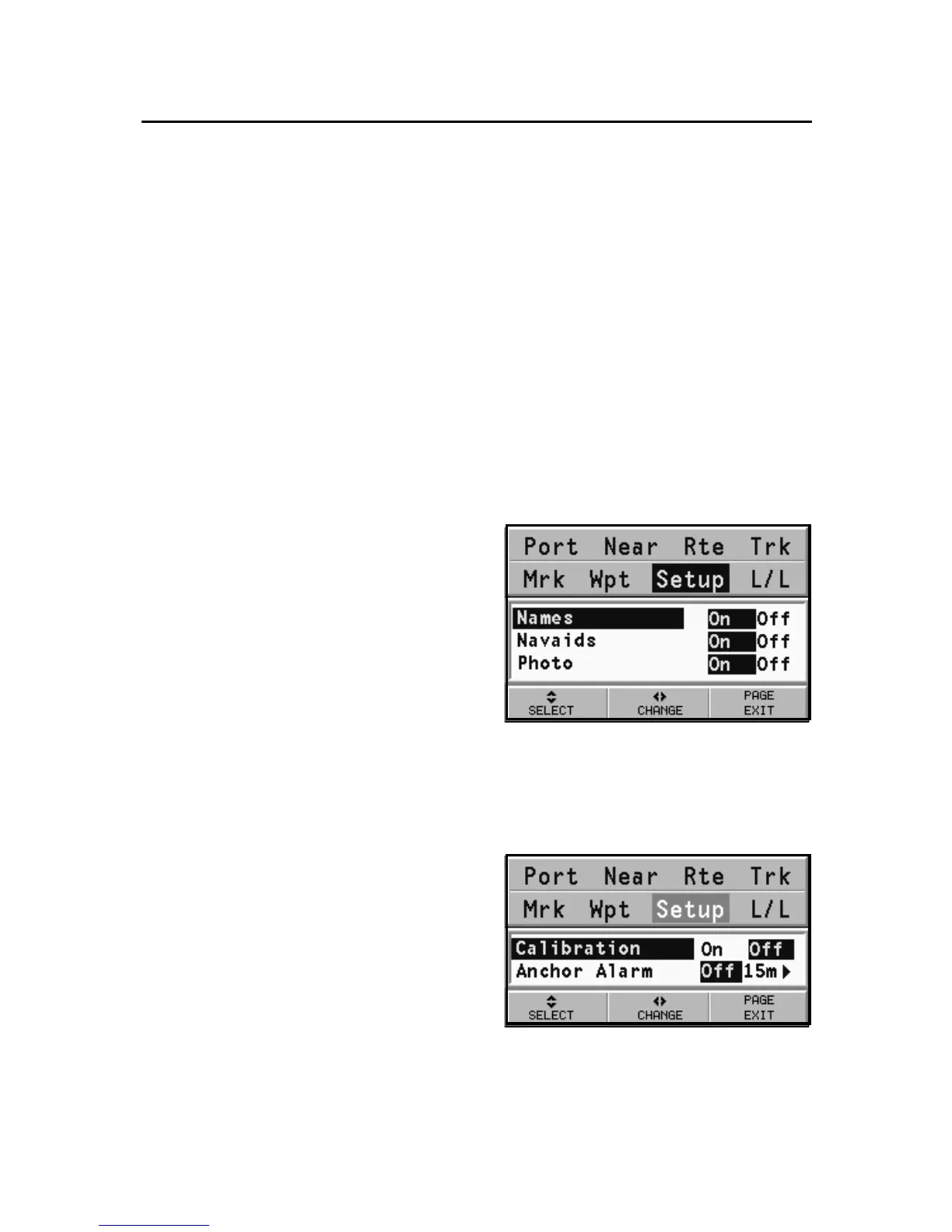
• Names (ON/OFF)
Enables/disables the
visualisation of names in the
3D display.
• Navaids (ON/OFF)
Enables/disables the
visualisation of navaids in
the 3D display.
• Photo (ON/OFF)
Selects the type of texture for the 3D display, to choose
from satellite photograph and simple texture.
NAVIGATION
• Calibration (ON/OFF)
Calibrates the ship’s position
received by the GPS device.
• Anchor Alarm (OFF/15m/
30m/50m)
Enables/disables the alarm
and sets the distance range
for the anchor alarm.



 To Next Page