66
English
NOTE: For the G4 XS, the reception of differential satellites, if available, is
automatic.
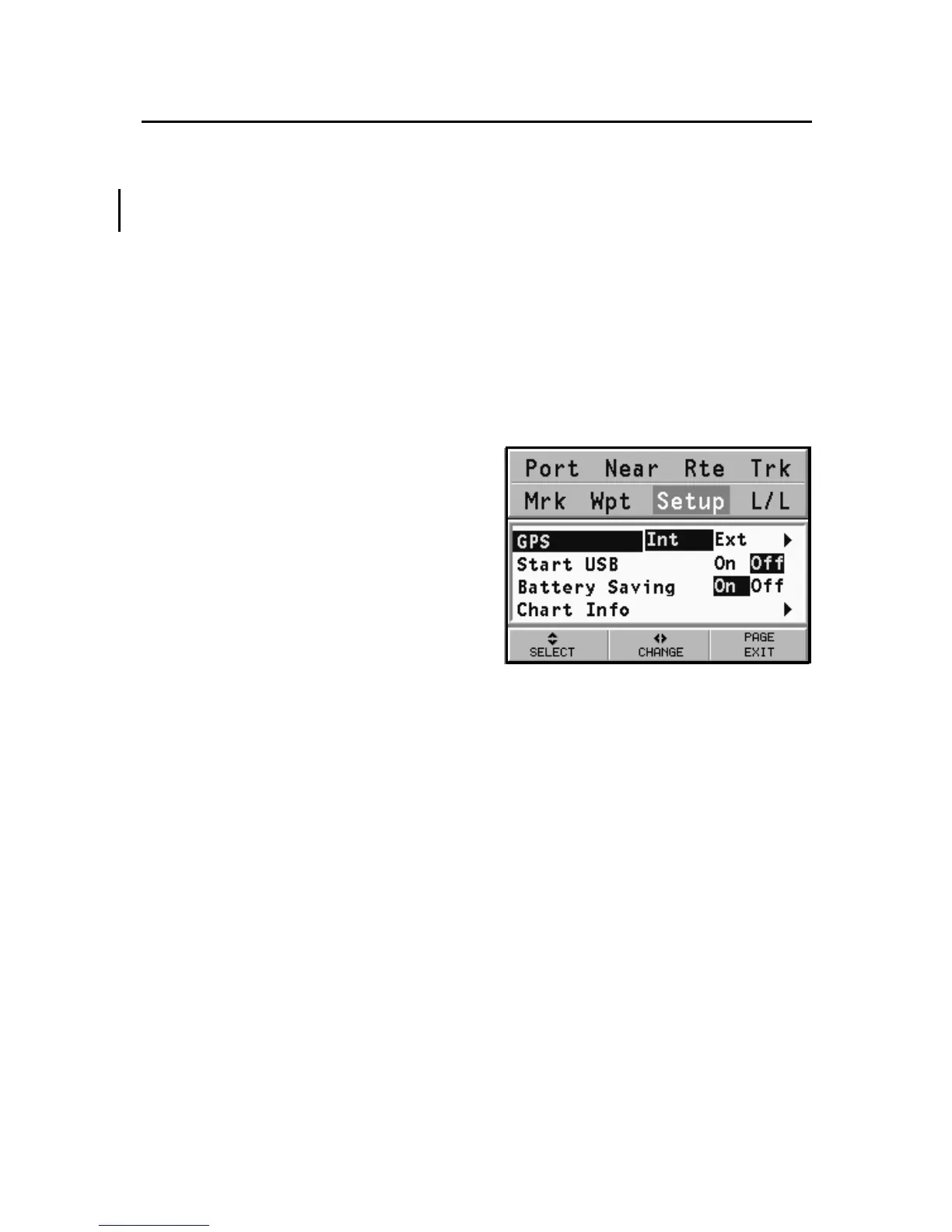
• Start USB (ON/OFF)
Enables / disables the connection with the USB port of a
PC (see the USB Connection Section for further informa-
tion).
• Battery Saving (ON/OFF)
Sets the automatic switching off time for the backlight and
screen, in order to reduce the battery consumption.
• Chart Info
By selecting ON, a window
will show the catalog of the
charts stored in the cartridge.
Select one chart by the CUR-
SOR key and press ENTER to
display the information asso-
ciated with the chart (chart
number, authority that is-
sued it and date of issue), or
PAGE to exit.
Setup
XS



 To Next Page