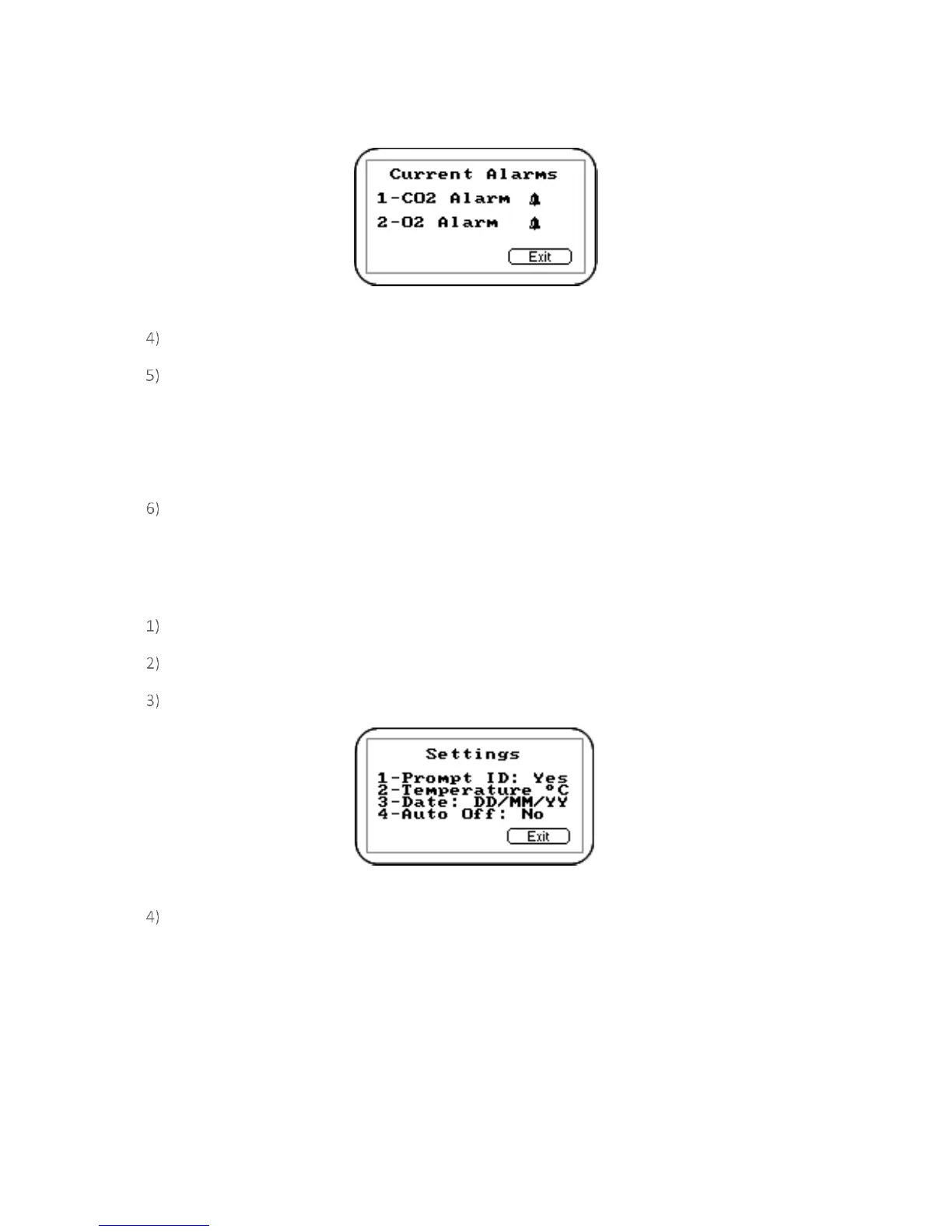
Screen 6 - Current alarms
Press ‘Key 1’ to maintain CO
2
alarm and ‘Key 2’ to maintain O
2
alarm.
Select from the following:
1 – Enabled/Disabled: Toggle between disabled and enabled alarm status.
2 – Max: Sets the upper limit alarm setting.
3 – Min: Sets the minimum alarm setting. The default is 0.
Select the option to modify followed by the soft-key ‘Accept’ or ‘Reject’.
Settings
The ‘Settings’ option enables the operator to maintain information with regards to taking samples and
readings.
From the ‘Main Read Screen’ press the ‘Menu’ key on the instrument panel.
Press ‘Key 2’ to display the ‘Utilities’ menu.
Press ‘Key 4’ to select settings and the following screen is displayed:
Screen 7 - Settings
The following instrument settings may be maintained:
1 – Prompt ID: Press ‘Key 1’ to prompt for ID code for each sample reading, answer Yes or No
accordingly.
2 – Temperature: Press ‘Key 2’ to enter the default unit temperature, choosing from
O
C or
O
F.
3 – Date: Press ‘Key 3’ to switch the date format between dd/mm/yy and mm/dd/yy formats.
4 – Auto Off: Press ‘Key 4’ to auto switch off the instrument when not in use. Toggle between
‘Yes’ or ‘No’. If set to Yes, the instrument will switch off after 10 minutes if not in use.



 To Next Page