64
5.6 I-Mode Phone
You can monitor your GV-NVR System Lite V2 remotely with
z I-Mode phone, or
z Mobile phone supporting xhtml, chtml, or html and capable of GPRS.
When using i-Mode services, you do not pay for the connection time, but will be charged by
the volume of data transmitted and/or received. Therefore, i-Mode will NOT receive live video
streaming; instead, it will receive one image at a time and will not receive another unless it is
requested to do so. To request another image, simply press the Enter key on your i-Mode
phone. The images are in GIF or JPEG format with resolution of 96 x 72 pixels.
Activating the i-Mode Function
To allow the remote access to GV-NVR System Lite V2, you must enable the Create
JPEG/GIF file(s) function on the WebCam Server (Figure 5-23).
Connecting to GV-NVR System Lite V2
The following operations may vary slightly for different modules.
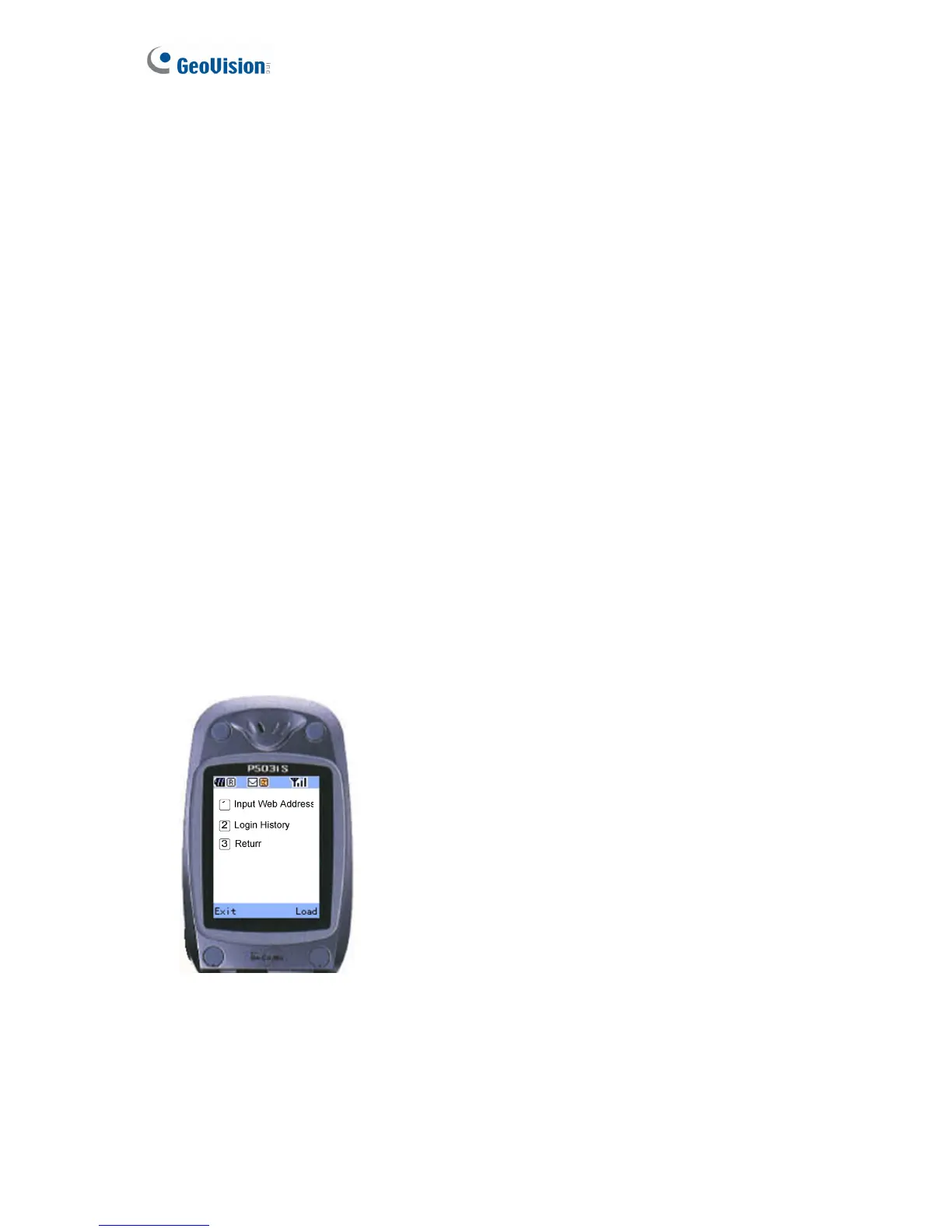
1. Open the i-Mode menu, and select Input Web Address.
Figure 5-34


 To Next Page
 Loading...