17
C. Gerhardt GmbH & Co. KG
Keys / Functions
Description
Activates character input and symbols
Press the key on which the required input is mar-
ked. Each key holds 3 letters/symbols. To select
an individual symbol (i.e., one out of three) first
press the key with the symbol followed by a nu-
merical key (i.e., "1", "2", or "3") identifying the
position in this group. For convenience, any num-
ber from the first column (e.g., "7", "4", or "1") will
select the first symbol from the group of 3. Simi-
larly, keys from the second an third column will
select the second and third symbol from the
group, respectively. To leave a blank press "right"
key. Repeat for the next character input or sym-
bol.
0 9
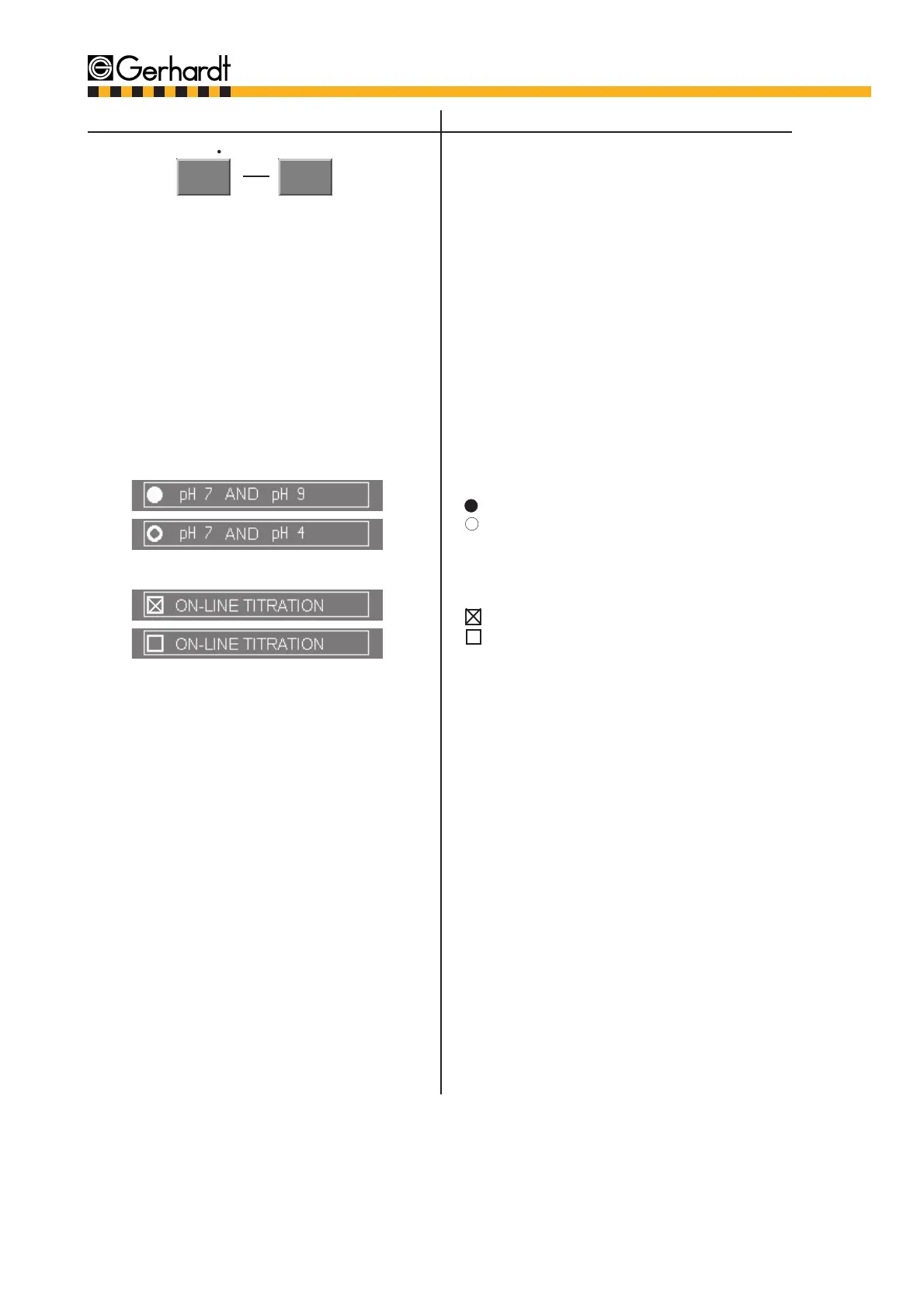
Either/Or function:
= indicates activation of the function
= indicates deactivation of the function
Further option:
= activated
= deactivated
- /
G H I
CONTROL PANEL



 To Next Page