37
C. Gerhardt GmbH & Co. KG
The display shows which part of the program is
running.
By pressing "Stop" the analysis can be aborted
at any time.
The following function can be selected during
the analysis:
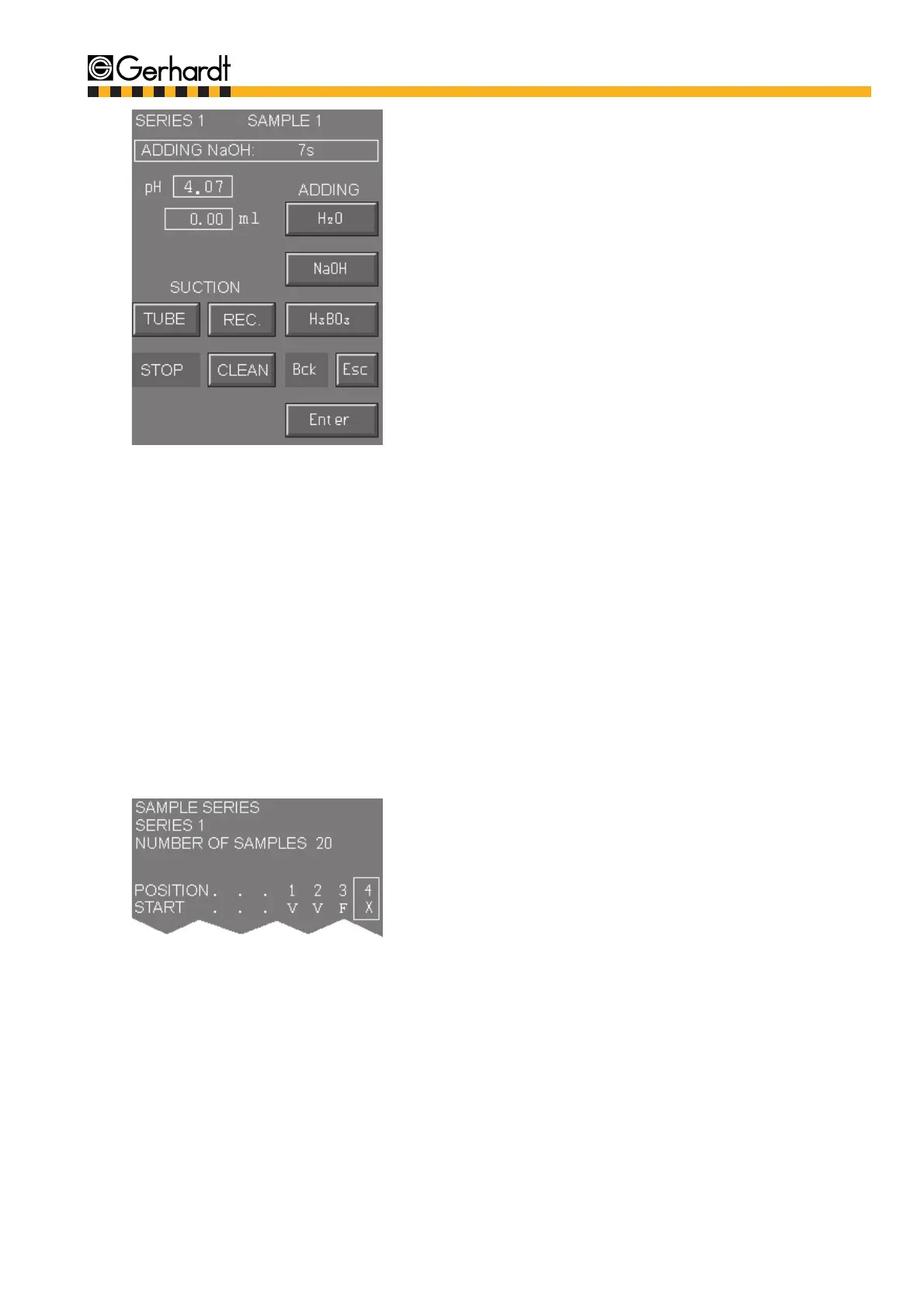
- Manual addition of NaOH
Put in samples as via the defined sequence. Af-
ter the last sample is finished the message "Ana-
lysis finished" is displayed.
ANALYSIS
By pressing "Enter" you get back to the begin-
ning of the serial analysis. You can either enter a
new series or leave the analysis by pressing
"Esc".
11.3.2.1. Special features of the serial determination
- Abortion of the serial determination
If necessary the series in progress can be aborted and reassumed at a later time. The values
assigned to the titre and factor have to remain unchanged if a series already started is reassu-
med again (also see chap. 13.2. "Error Messages during the Analysis"). The samples already
processed are marked in the following way:
V = Analysis finished off successfully
F= Analysis aborted or deleted using the key X in the main menu ‘Sample Input’
X= New starting position
- Comment
A series that has been partially processed can be printed at any time under the main menu
"Statistics/Data" - "Results", chap. 12.2.4. If a new calculation of the blank value is demanded
and not all information for the calculation of the average value are available a "Temporary Cal-
culation" with a blank value of 0.00 ml is done. Samples that have not yet been processed are
marked with "Not analysed" on the print-out.
13.



 To Next Page