18
C. Gerhardt GmbH & Co. KG
SPECIAL FUNCTIONS
7.1. Dosing pump
The cleaning program is used for the rinsing of the micro dosing pumps and the inlet tubes. Be aware
that air in the inlet tube could tamper the results. Therefor, make sure you check the Inlet tubes
regularly for air bubbles.
It is necessary to clean this component in any of the following situations:
- if the titration liquid is changed
- if there is air in the inlet tubing
- if the equipment is used for the first time
- if the instrument has not been used for some time
In all cases, about 10 ml of titration liquid is sufficient.
1. Press key "Dosing Pump":
- Enter the amount of titration liquid through the numerical keypad. The cleaning process is star-
ted by pressing "Enter". The dosing pump is supposed to transport 0.05 ml per rotation. Small
deviations are possible but they are compensated for by an internal calibration unit. At the end
of the process, the actual amount of liquid used is displayed.
2. By pressing "Enter" you get back to the main menu.
If there are still air bubbles in the inlet tube after the rinsing process, then you should check whether
the tube connections at the micro dosing pump and the titration tank are attached correctly. Then,
repeat the rinsing!
7.2 Check configuration
By choosing this function another submenu is opened. The following functions are available:
7.2.1. Language
With this function you can select language required.
1. Press key "Language"
2. Select language required and press "Enter". After that the system asks for a restart. If the ap-
paratus is turned off and on again the required language is set. All data entered remains
stored.
7. Special functions
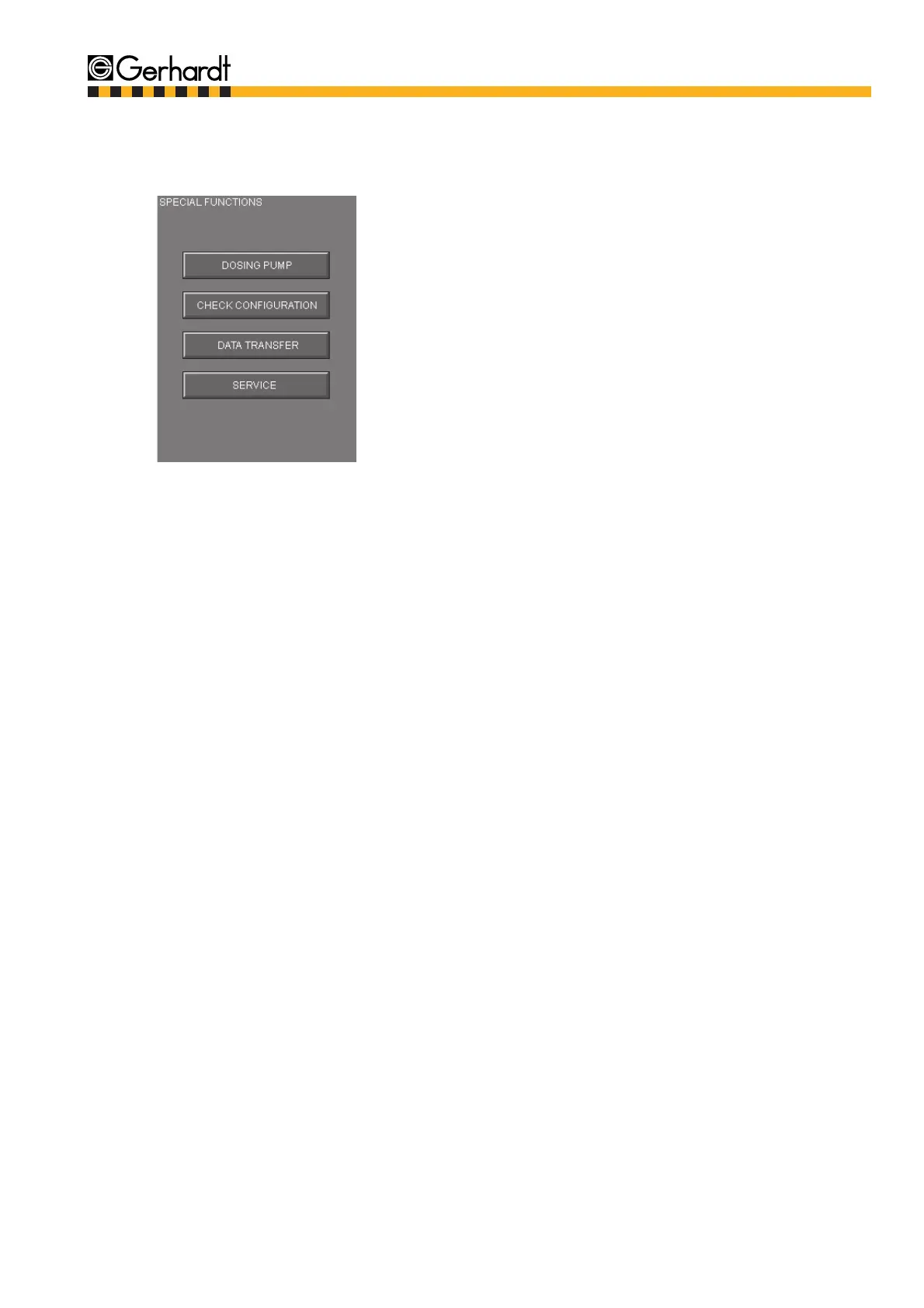
The submenu for the special functions is selected by pressing the key "Special Functions". There are
five functions available which are described in this chapter.
By pressing the desired function the respective
menu is called up. The individual items of the
menu are described in detail in this chapter.
Careful!
Check tubes
on a regular
basis!



 To Next Page