48 NRR 2-52, NRR 2-53, URB 55 - USA- Installation & Operating Manual - 850698-00
System settings
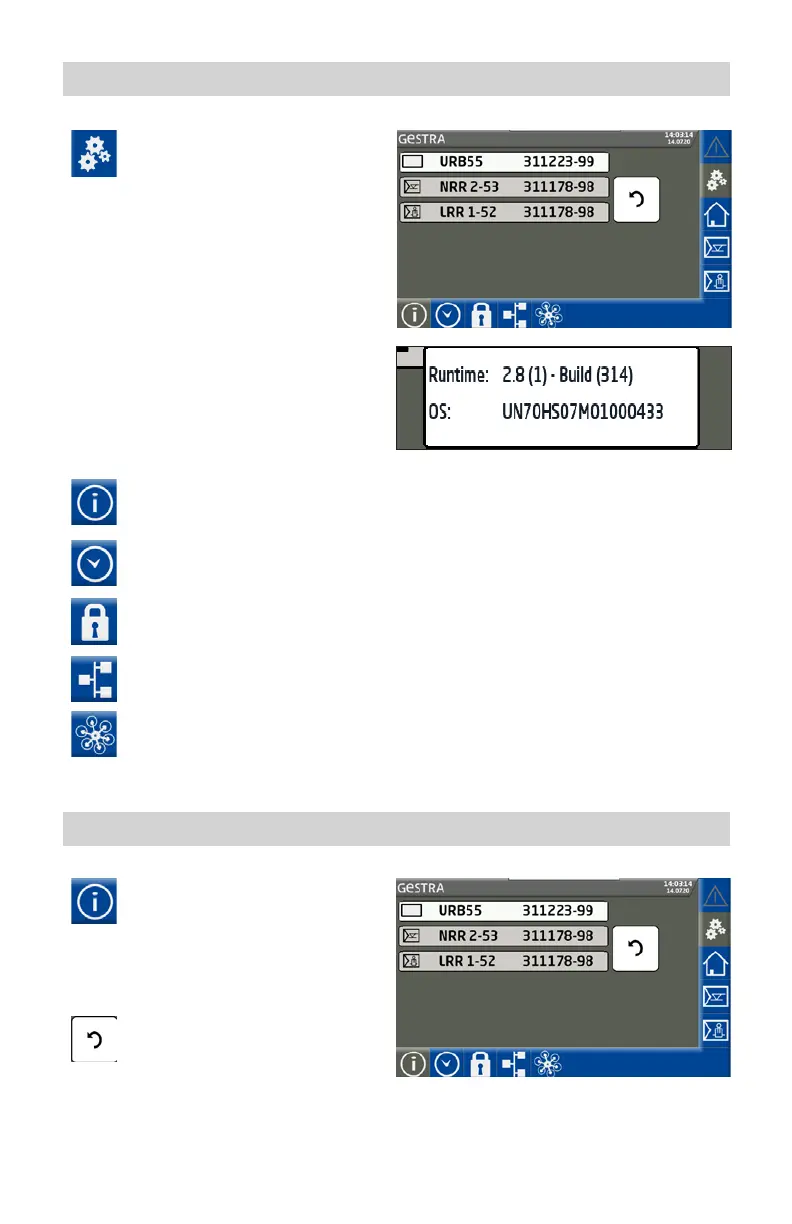
Tapping the icon opens the menu
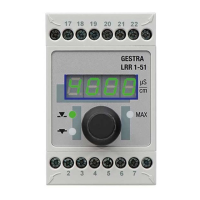
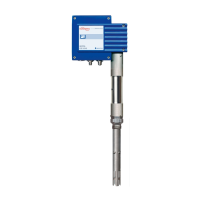
containing the list of all connected
controllers.
The current equipment firmware is
also shown.
URB 55 Tap the line containing the URB 55
for > 2s to see the runtime and OS
of the URB 55.
Opening further menus:
System information
Setting the date/time
Password
Network settings
Open Modbus TCP
list (optional)
System information
Open the “System Information”
menu and select the desired action.
Description of display:
The connected controller(s) are shown with
their software version.
Press the button to update a system
or view installed (new) equipment.



 To Next Page