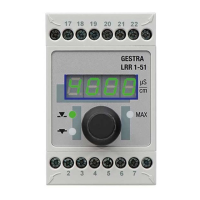
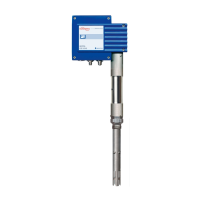
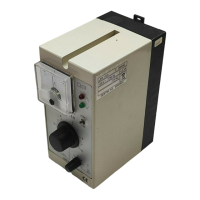
52 NRR 2-52, NRR 2-53, URB 55 - USA- Installation & Operating Manual - 850698-00
Configuring the level controller
Setting the MIN/MAX switchpoints and set point
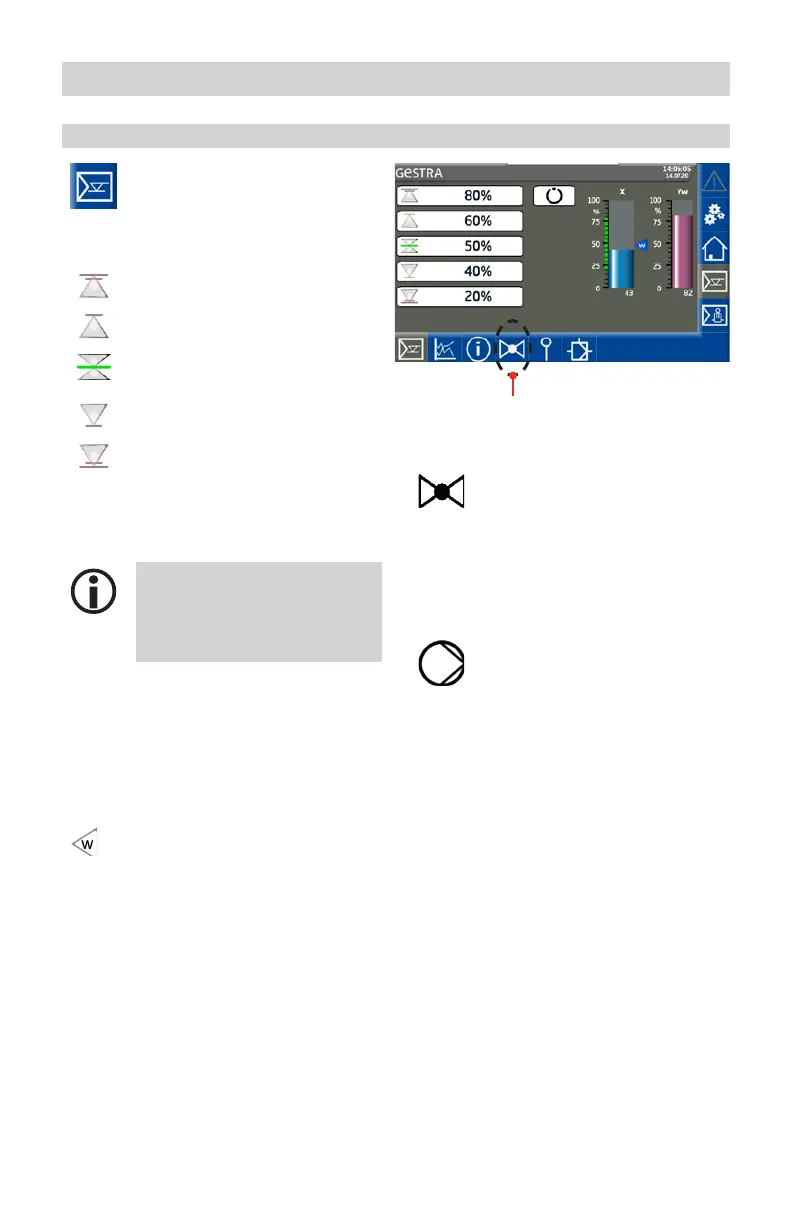
Open the parameter screen.
Example: NRR 2-53 level controller
Description of parameters:
MAX alarm switchpoint
MAX switchpoint
Set point
MIN switchpoint
MIN alarm switchpoint
For each switchpoint, press the relevant
button and enter the required value using the
virtual keypad.
The icons in the buttons change
color to indicate switchpoints/
alarm points that are too high or
too low.
Description of bar charts:
X Actual value (uncompensated)
X1 Actual value (compensated), 3E
controller (not shown here)
W Set point
The set point is shown with a small
arrow in the actual value bar chart.
Yw Manipulated variable
Change of color on alarm
The bar chart column turns red in the event
of an alarm.
Icons and functions that vary depending
on configuration:
Valve controller
If the controller is configured as a
valve controller, valve actuation af-
ter Closed/Open is shown by green
valve icons on the manipulated
variable bar chart.
Pump controller
If the controller is configured as a
pump controller, the pump icon is
shown when the pump is active.



 To Next Page