Page 21
Gateway
6.2 Device Configuration Settings:
The device current configuration settings can be viewed & edited by accessing the web
server page
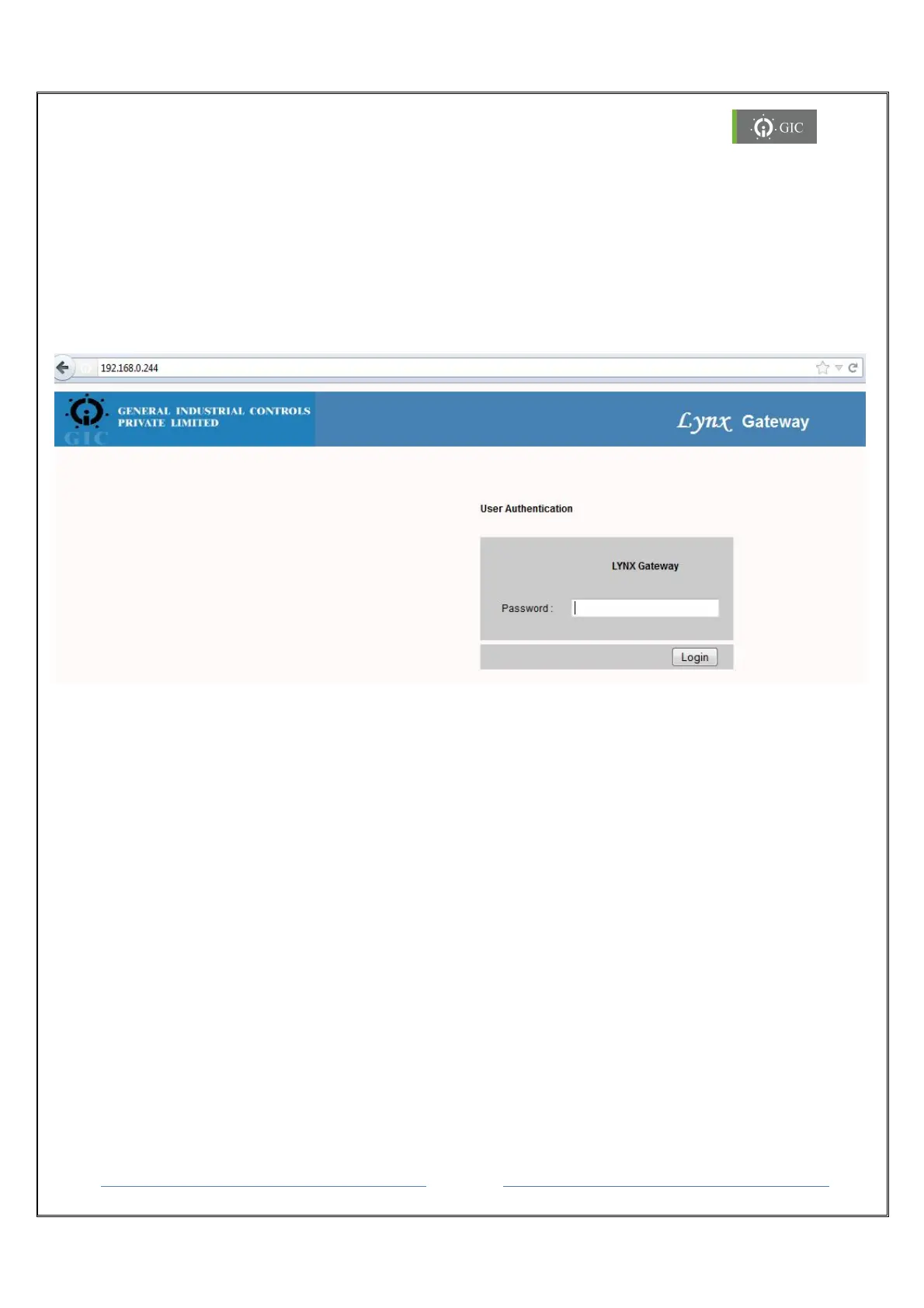
1. To access the web server for device type “http://” command followed by IP address
of the device whose configuration settings are to be viewed or edited.
e.g. - http://192.168.0.244
2. The User Authentication page is displayed for authentication.
3. Enter the valid password to access the web server and click on “Login” button.
4. If password is valid then the Home page is displayed or else the same page is
displayed.
Note: Default Password is “gateway”


 To Next Page
 Loading...