EasyManua.ls Logo

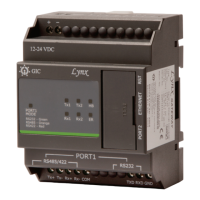
GIC Lynx - LED Indications

GIC Lynx
64 pages
Print Icon
To Next Page IconTo Next Page
To Previous Page IconTo Previous Page
Loading...
Page 9
www.gicindia.com
Lynx Gateway
2.3. LED Indications
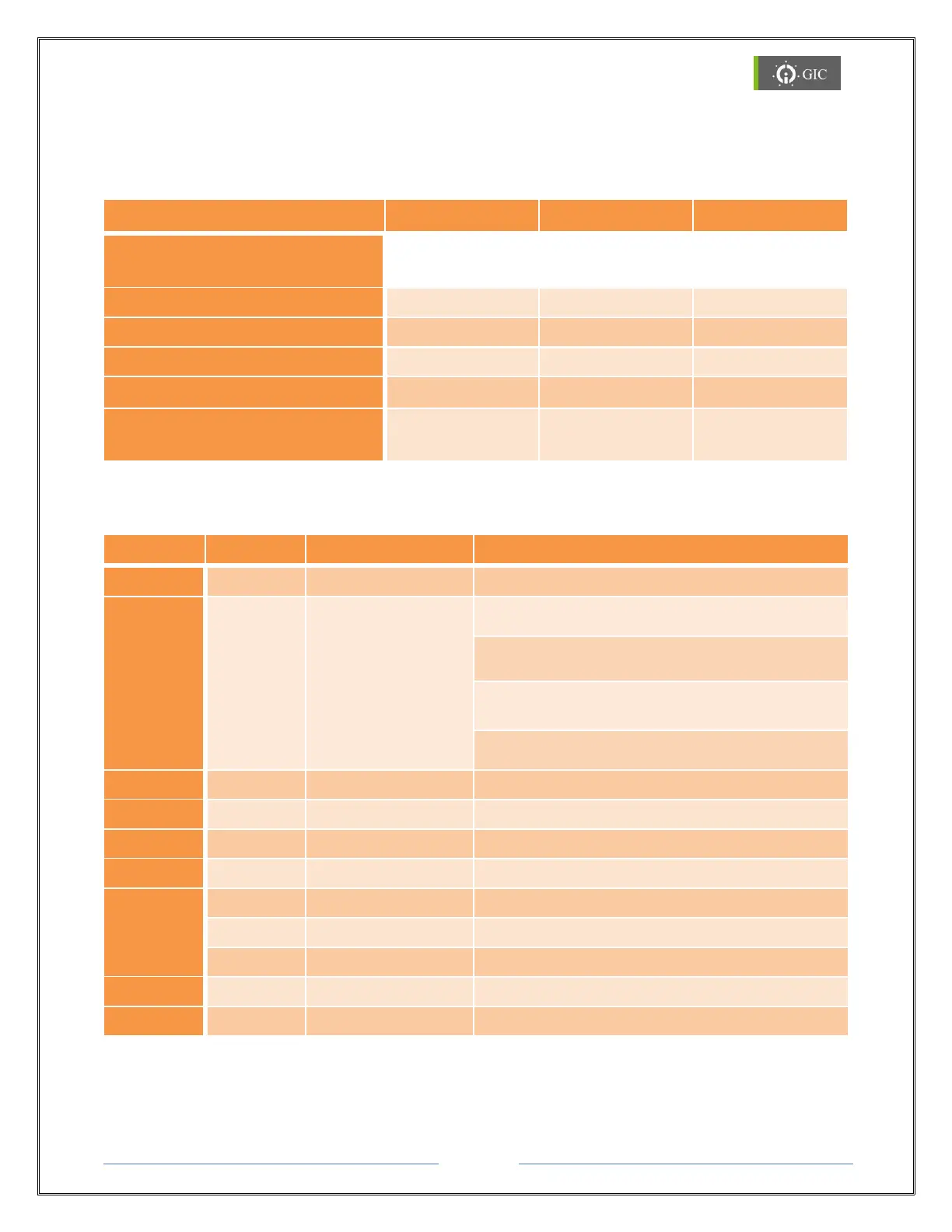
LED Indications for Settings
ERROR LED
HB LED
MODE LED
Serial Port 1 Interface
Selection
RS 232 Interface
Continuous ON
Blinking
Green
RS 422 Interface
Continuous ON
Blinking
Red
RS 485 Interface
Continuous ON
Blinking
Orange
Factory Default Settings
Continuous ON
Blinking
-
Firmware Downloading /
No Firmware
Continuous ON
Continuous ON
NA
LED Indications during Run Time
LED
Color
Status
Function
HB
Green
Blinking
Healthy Status
ERROR
Red
Blinking
IP Address Search Modes
(100ms ON and 100ms OFF)
IP Address Conflict Error
(500ms ON and 500ms OFF)
TCP idle connection
(100ms ON and 10s OFF)
RST key pressed more than 12sec
(1s ON and 10s OFF)
TX1
Green
Blinking
Serial Port-1 Data Transmit
RX1
Green
Blinking
Serial Port-1 Data Receive
TX2
Green
Blinking
Serial Port-2 Data Transmit
RX2
Green
Blinking
Serial Port-2 Data Receive
Port 1
Mode
Green
Continuous ON
RS232 selected
Red
Continuous ON
RS422 selected
Orange
Continuous ON
RS485 selected
Link
Yellow
Continuous ON
Link (socket connection made)
Activity
Orange
Random Flashing
Activity (network 10/100Mbps)