4. Software Installation
1. Insert the product CD in the CD-ROM drive. The CD will run automatically and the
installation window will be displayed on the screen. If the CD does not run automatically,
open the CD by right clicking on the CD and select ‘open’.
2. Double click on the ‘Setup.msi’ program to begin the installation process.
3. When the installation window appears on the screen click on ‘Next’ to continue
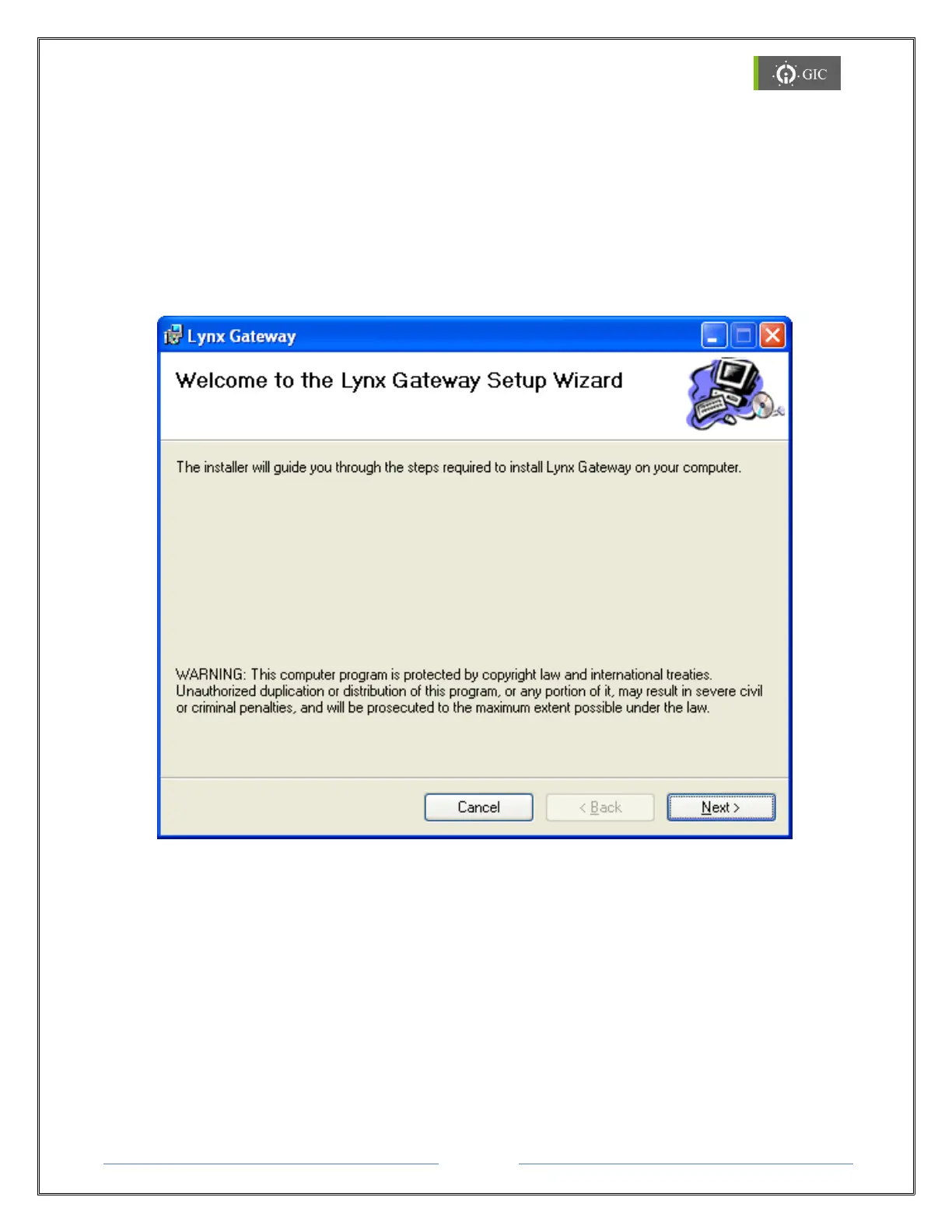
4. A ‘Welcome to the Lynx Gateway Setup Wizard’ window will be displayed on the
screen. Click on ‘Next’ to continue.
5. When the ‘Select Installation Folder’ window appears on the screen, click on ‘browse’ to
select the folder where the software is to be installed. By default the software will be
installed in (Drive Letter:\Program Files\GIC\Lynx Gateway)
The ‘Disk Cost’ option shows the available drives to install the software along with required
and available space on each drive.
The software may be installed only for the current user or for all users.
Select the correct options and click on Next to continue.


 To Next Page