2500A Menus
2500A Series Operation Manual, 34172 Revision C, March 2008
2.3.4.3 System Menu 3
The System 3 menu allows you to tune the output frequency over a range of 500 ppm using the REF
TUNE feature.
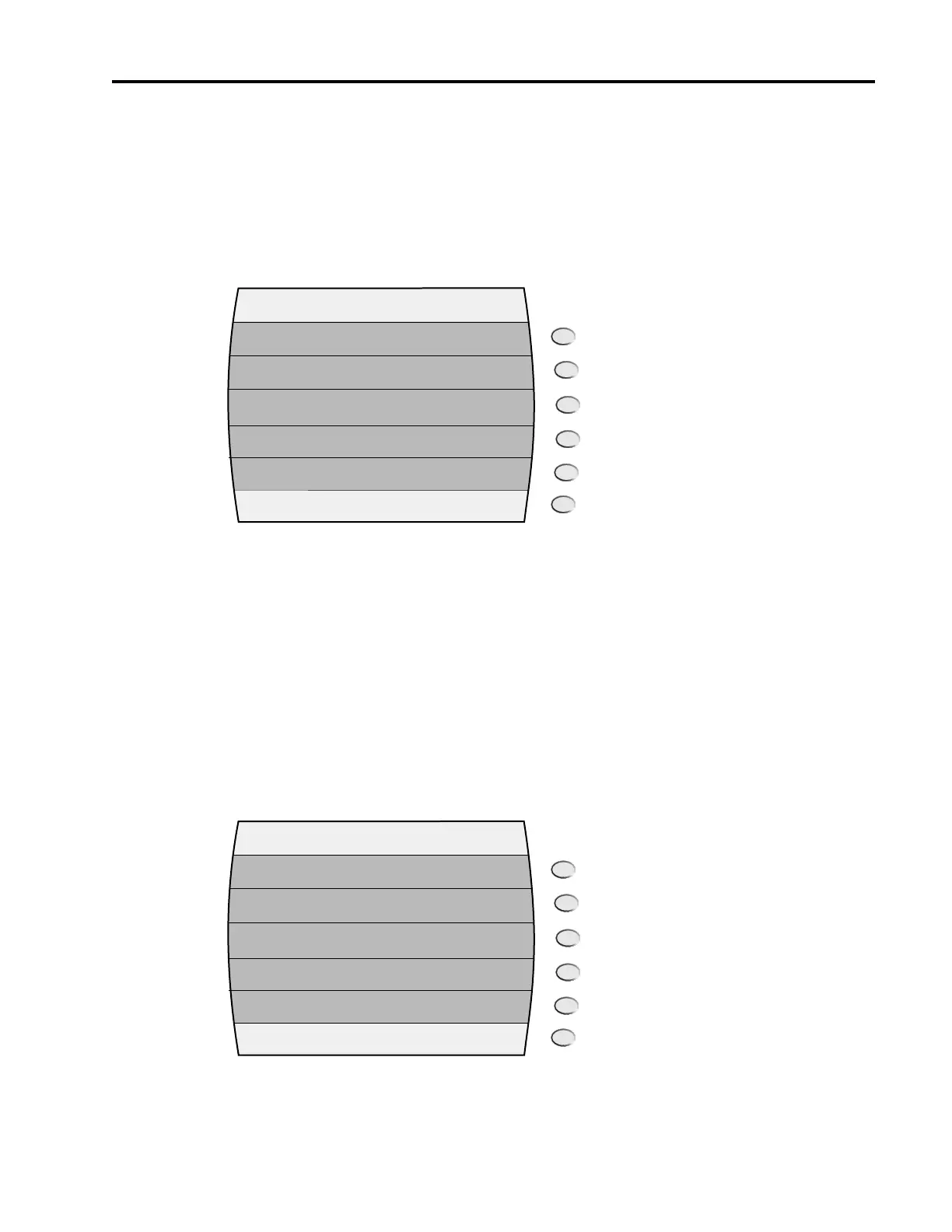
Figure 2-13 shows the System 3 menu.
Figure 2-13: System 3 menu with Interactive Softkeys.
External Tune Input. This menu item allows you to enable or disable the instrument’s Reference Tune
feature.
System 4 Menu Pressing this softkey invokes the System 4 Menu in the display.
2.3.4.4 System Menu 4
The System Menu 4 allows you to set up the 2500A for remote operations using the LAN connection.
Figure 2-14 shows the System 4 menu.
Figure 2-14: System 4 menu with interactive Sofkeys
SYSTEM 3
Disabled
External Tune
Input
System 4
Menu
SYSTEM 4
On/Off
DHCP
System 1
Menu
IP Address
Subnet Mask
Link Status
123.456.789.012
Connection Established/Lost
123.456.789.012



 To Next Page