2500A Menus
2500A Series Operation Manual, 34172 Revision C, March 2008
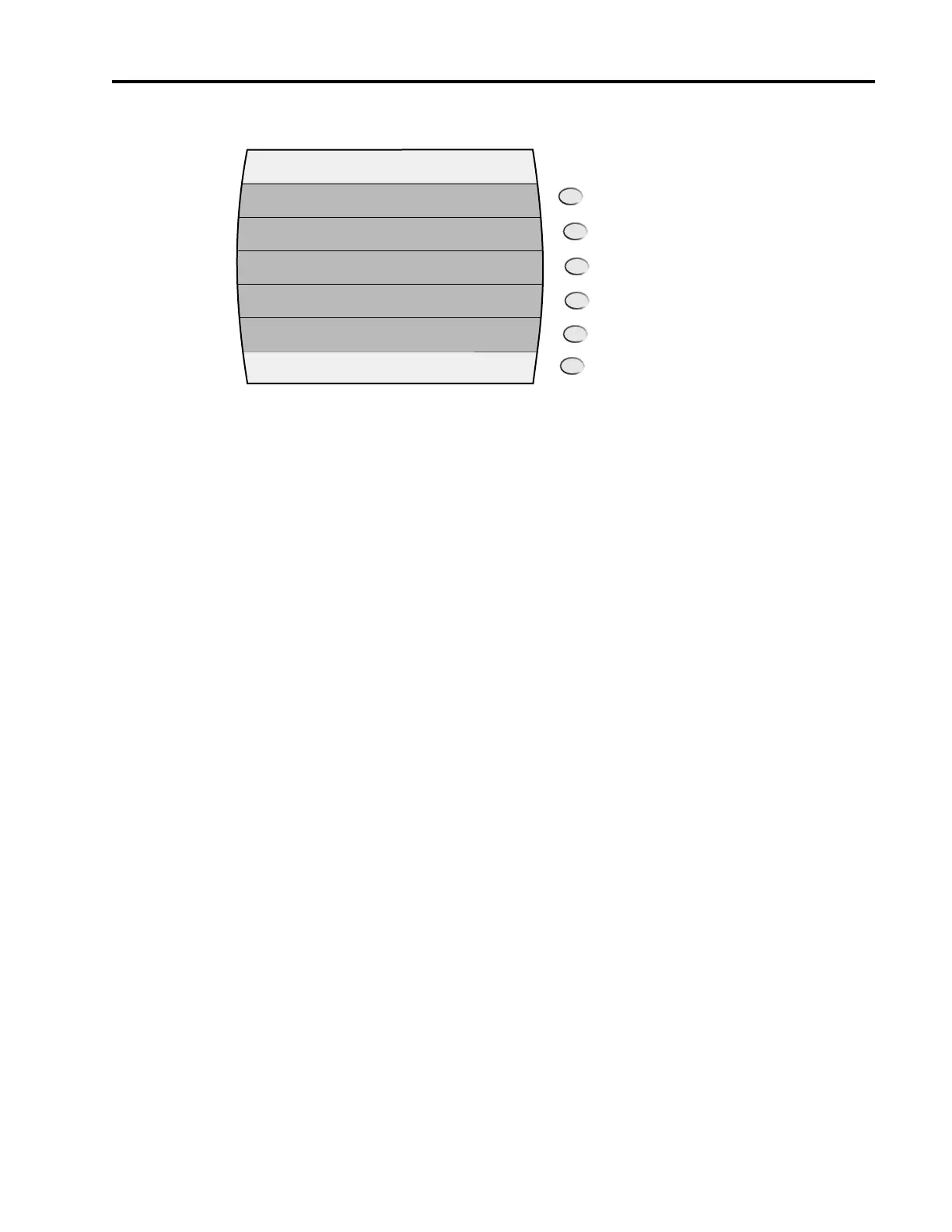
Figure 2-16: AM - External menu with Interactive Softkeys
The following explains each item in the AM - External menu:
AM. This menu item turns amplitude modulation on and off. Note that this setting only enables or dis-
ables amplitude modulation; it is the active menu, that is, the menu that is currently being displayed, that
determines the AM mode that is used. Pressing either the adjacent soft key or the Step Up or Step Down
buttons toggle the AM state.
The AM indicator is displayed in the upper right-hand corner of the display when amplitude modulation
is turned on.
Sensitivity. This menu item allows you to view and modify the AM sensitivity setting. AM sensitivity
determines the percentage of modulation produced per volt of input into the AM IN connector.
The AM sensitivity can be modified using either the numeric keypad, the step up/step down buttons, or
the rotary knob. The AM sensitivity range is 0 to 95%/volt, and the step size can be set in the range of
0.10 to 47.5%/volt.
2.3.5.2 AM - Internal Waveform
The AM - Internal Waveform menu allows you to view and modify settings related to an internal ampli-
tude modulation mode in which the modulating signal is an internally-generated sine, triangle, ramp, or
square waveform (the signal at the AM IN connector is not used).
Figure 2-17 shows the AM - Internal Waveform menu:
AM - External
On/Off
0.00% / V
AM
Sensitivity



 To Next Page