2500A Menus
2500A Series Operation Manual, 34172 Revision C, March 2008
2.3.7.1 PM - External Source Menu
The PM - External menu allows you to view and modify settings related to external pulse modulation
mode, which is used when the modulating signal is to be provided externally. In external PM mode, the
RF output signal is pulsed according to the signal that is applied to the rear panel PULSE IN/PM TRIG
IN connector. When the instrument does not include the internal modulation generator, this is the only
PM mode that is available.
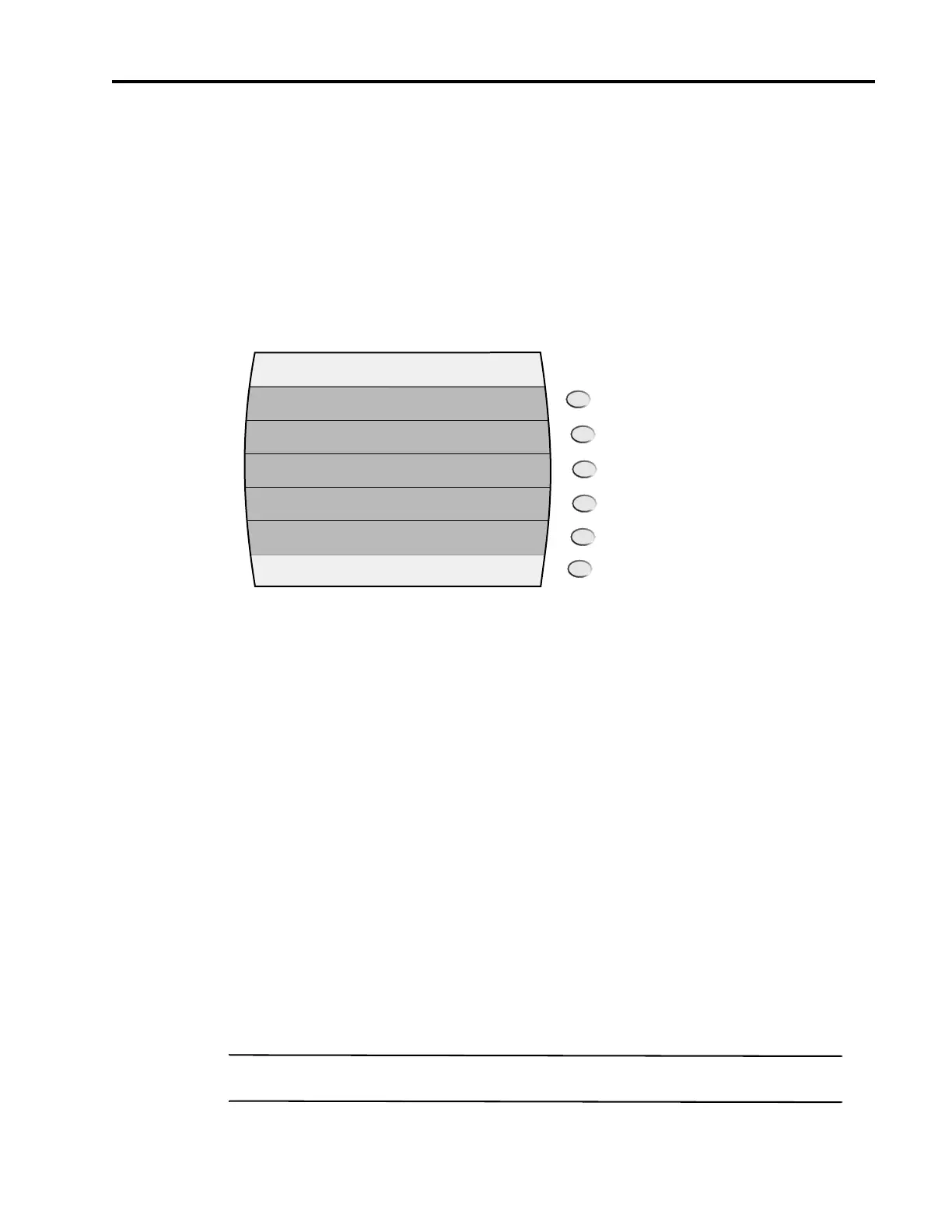
Figure 2-23 shows the PM Menu 1 menu:
Figure 2-23: PM Menu 1 with Interactive Softkeys
The following explains each item in the PM Menu 1 menu:
PM. TThis menu item turns pulse modulation on and off. Pressing either the adjacent soft key or the Step
Up or Step Down buttons toggle the PM state. The PM indicator is displayed in the upper right-hand cor-
ner of the display when pulse modulation is turned on
Input Polarity. This menu item allows you to view and choose the input polarity. Input polarity deter-
mines whether a high or low TTL level at the PULSE IN/PM TRIG IN connector will produce an “on”
condition at the RF output. The available selections are as follows:
• Active High
• Active Low
2.3.7.2 PM Internal-Continuous Menu
The PM - Internal Continuous menu allows you to view and modify settings related to an internal pulse
modulation mode which produces a continuous pulse modulated RF output with pulse characteristics
determined by an internally-generated pulse signal (any signal at the PULSE IN/PM TRIG IN connector
is ignored).
NOTE: This menu is not available for models with Option 17B.
PM - External Source
On/Off
PM
Input
Polarity
Active High/Active Low



 To Next Page