Chapter 2: Front Panel Operation
48 2500A Series Operation Manual, 34172 Revision C, March 2008
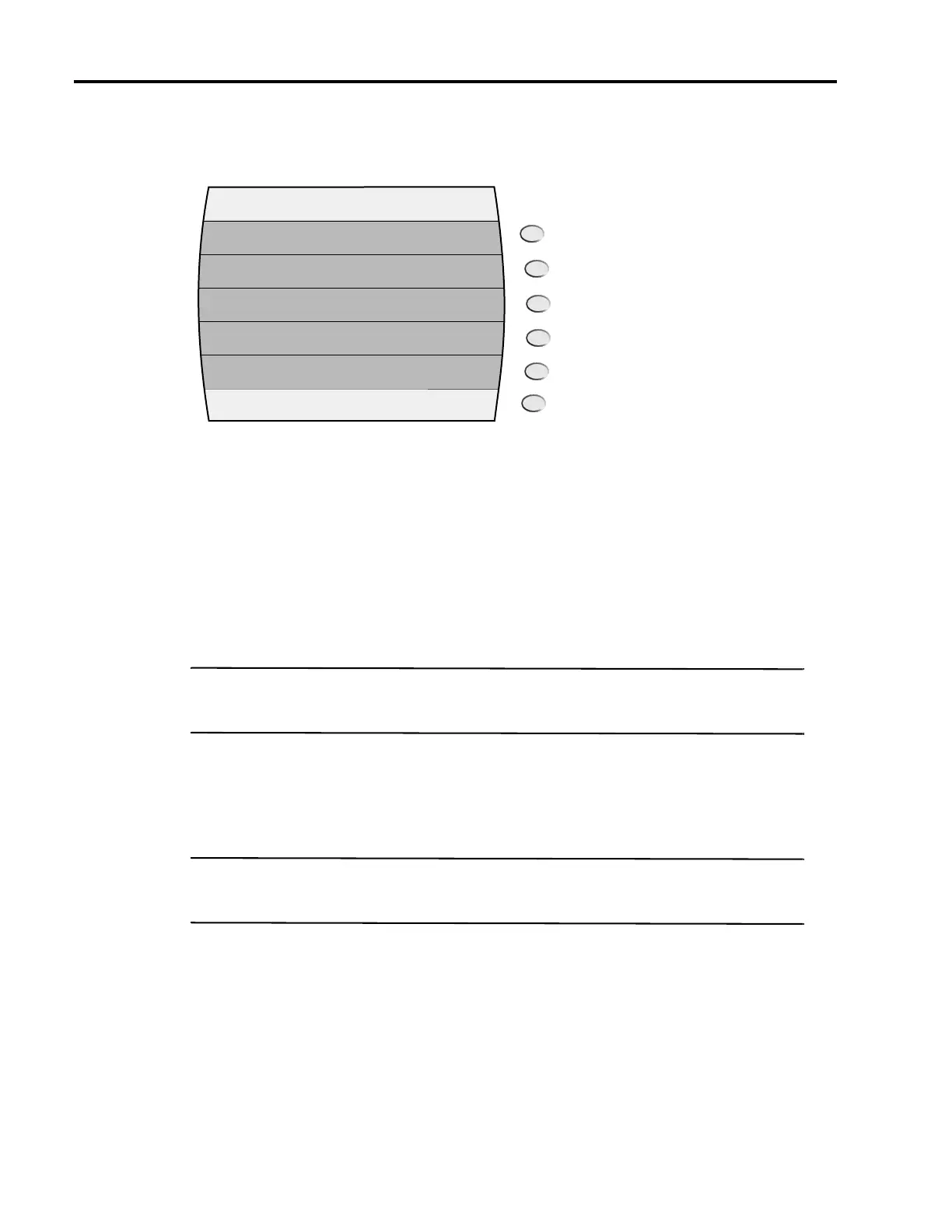
Figure 2-24 shows the PM Menu 2 menu:
Figure 2-24: PM Menu 2 with Interactive Softkeys
The following explains each item in the PM Menu 2 menu:
PM. This menu item turns pulse modulation on and off. Pressing either the adjacent soft key or the Step
Up or Step Down buttons toggle the PM state. The PM indicator is displayed in the upper right-hand cor-
ner of the display when pulse modulation is turned on
PRI. This menu item allows you to view and modify the PRI (pulse repetition interval) of the internal
pulse modulating signal. The PRI parameter sets the time between like edges of the modulating signal,
and thus, the RF output’s pulse repetition interval (frequency).
NOTE: The same PRI parameter setting gets used for the internal continuous and internal gated pulse
modulation modes; it is not set and stored separately for those modes.
Width. This menu item allows you to view and modify the width of the internal pulse modulating signal.
The width parameter sets the amount of time that each pulse of the internal modulating signal is at the
high state, and thus, the RF output’s pulse width.
NOTE: The same width parameter setting gets used for all three internal pulse modulation modes
(continuous, triggered, and gated); it is not set and stored separately for each of those modes.
Sync Out Delay. This menu item allows you to view and modify the sync out delay setting, which deter-
mines the amount of delay that occurs between the leading edge of the video pulse at the PULSE OUT
connector and the leading edge of the sync pulse at the PM SYNC OUT connector.
PM Internal-Continuous
On/Off
PM
0.05 µs-0.01sec
0-(width-50ns)
Width
Sync out
Delay
0.1 µs-1sec PRI



 To Next Page