Template Module, Elderly, Version 1.1, 01.04.2019,
Getting started
Gigaset E290-E290A / LUG-Kombi CH en / A31008-M2901-F101-1-2X19 / starting.fm / 5/5/20
14
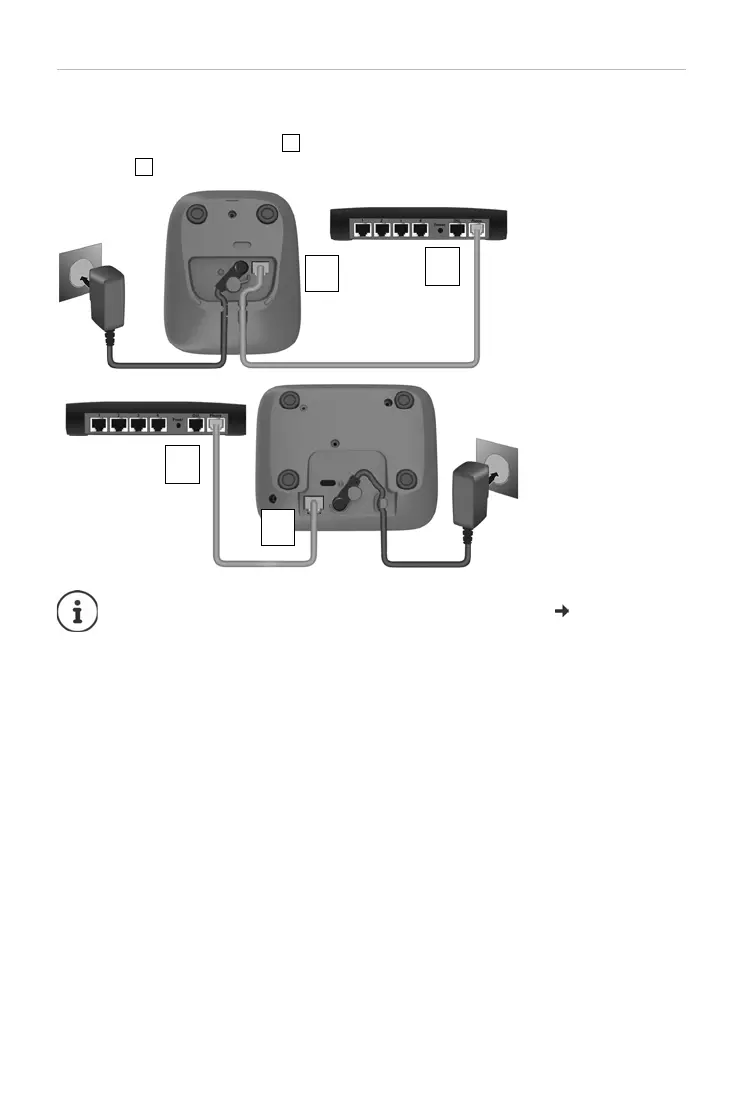
Connecting the base to the router
You can also operate the telephone on the analogue connection of a router.
¤ Connect the phone jack and connect it to the analogue port of a
router .
Any echoes can
be reduced by enabling XES Mode ( p. 48).
2
1
Device
without
answer
machine
2
1
Device with
answer
machine



 To Next Page