Template Module, Elderly, Version 1.0, 20.02.2019,
Phone settings
Gigaset E290-E290A / LUG-Kombi CH en / A31008-M2901-F101-1-2X19 / settings.fm / 5/5/20
52
Ringtone melody
For the handset:
Set the ringtone melody for external calls, internal calls and/or the alarm.
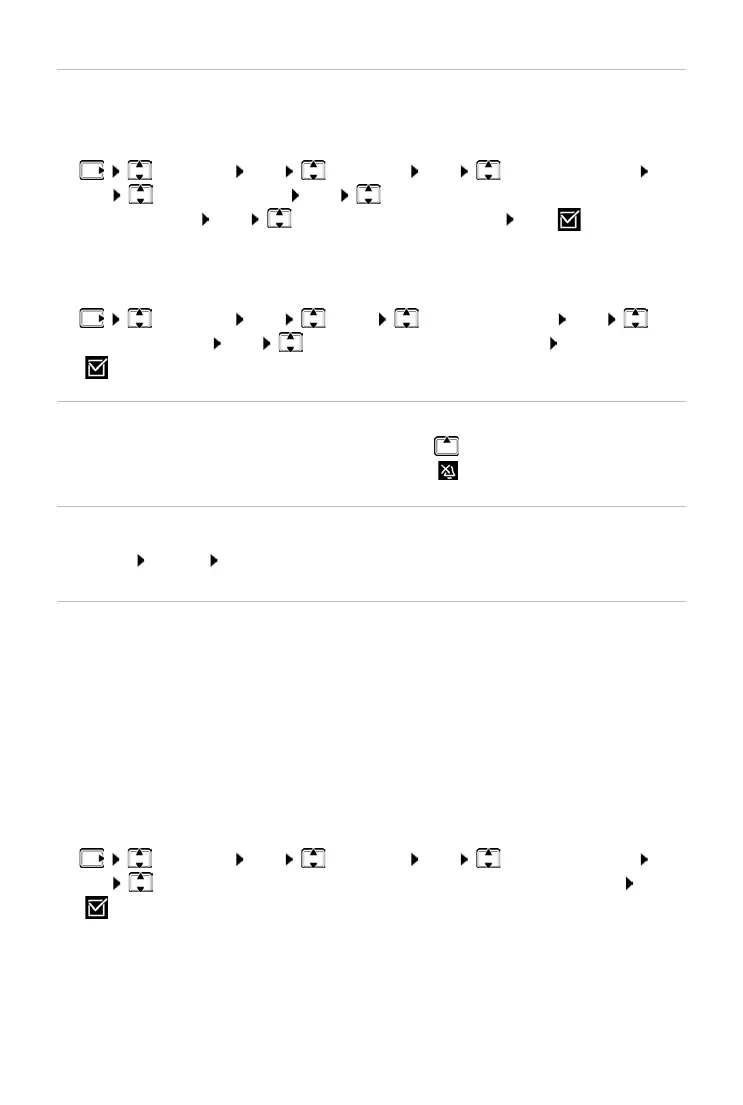
¤ Settings OK Handset OK Audio Settings
OK Ri
nger Melody OK Select External Calls / Internal Calls
/ Alarm Clock OK Select ringtone required OK ( = selected)
Disabling/re-enabling the ringtone permanently
¤ When the phone is in idle mode, press and hold the control key at the
top. When the ringtone is disabled, symbol is shown on the display.
Deactivating the ring tone for the current call
Enabling/disabling advisory and warning tones
The handset provides acoustic notification of different activities and statuses.
You can enable and disable advisory and warning tones separately.
¤ Settings OK Handset OK Audio Settings
OK Ad
visory Tones / Battery Low / Out-of-Range Warning OK
( = enabled)
For the base (with an
swer machine):
Adjusting the ringtone melody for external calls.
¤ Settings OK Base Audio Settings OK
Ringer Melody OK Select the ringtone required OK
( = selected)
¤ Menu Silent OK
Advisory tone: e.g. keypress tones, error tone, a new message
Battery warning tone:
The battery charge falls below a certain level during a call.
Range warning tone:
The handset moves outside the range of the base.



 To Next Page