Template Module, Elderly, Version 1.1, 01.04.2019,
Making calls
Gigaset E290-E290A / LUG-Kombi CH en / A31008-M2901-F101-1-2X19 / telephony.fm / 5/5/20
22
Making calls
Making a call
¤ Enter the number Press the Talk key . . . The number is dialled
To change the receiver volume during a call: Use
to set the
volume
Ending a call / cancelling dialling: Press the End call key
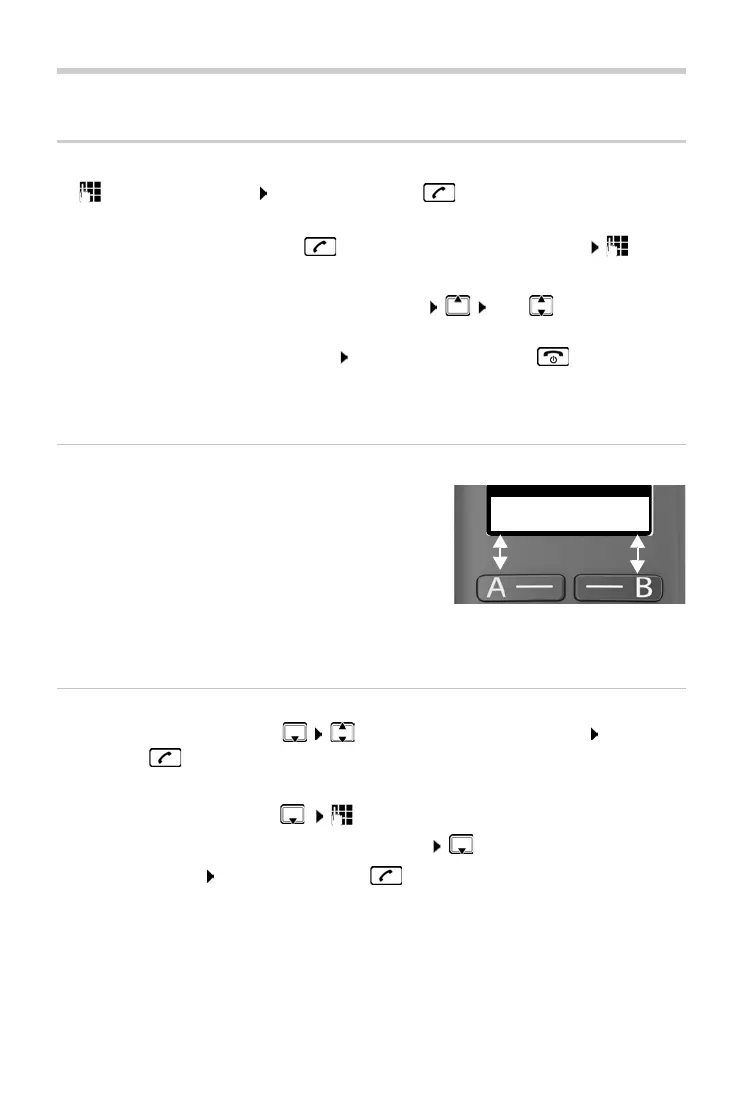
Dialling with quick access
Call numbers can be assigned to display keys A
and B. When a key is assigned, the associated
name
is shown in the bottom left or right of
the display. When the keys are not assigned, A
is shown on the left and B on the right of the
display.
¤ Press the left or right display key . . . the
number specified is dialled
Dialling from the directory
¤ Open the directory with Scroll to the required entry Press the
Talk key
Or
¤ Open the directory with Enter the first letter of the name . . . The
first entry matching the input is displayed Scroll as needed to the
entry required Press the Talk key
or
¤ Press and hold the Talk key . . . The dial tone can be heard Enter
the number
You can automatically prefix every number with a network provider prefix
(P
reselection).



 To Next Page