Template Module, Elderly, Version 1.1, 01.04.2019,
Additional functions
Gigaset E290-E290A / LUG-Kombi CH en / A31008-M2901-F101-1-2X19 / applications.fm / 5/5/20
44
ECO DECT
The device range is set to maximum by default. This guarantees the best
connection between handset and base. In idle mode, the handset does not
transmit (it is radiation-free). Only the base maintains contact with the
handset, using weak wireless signals. During a call, the transmit power auto-
matically adapts to the distance between base and handset.
The shorter the
distance to the base, the lower the radiation.
Reducing radiation by up to 80%
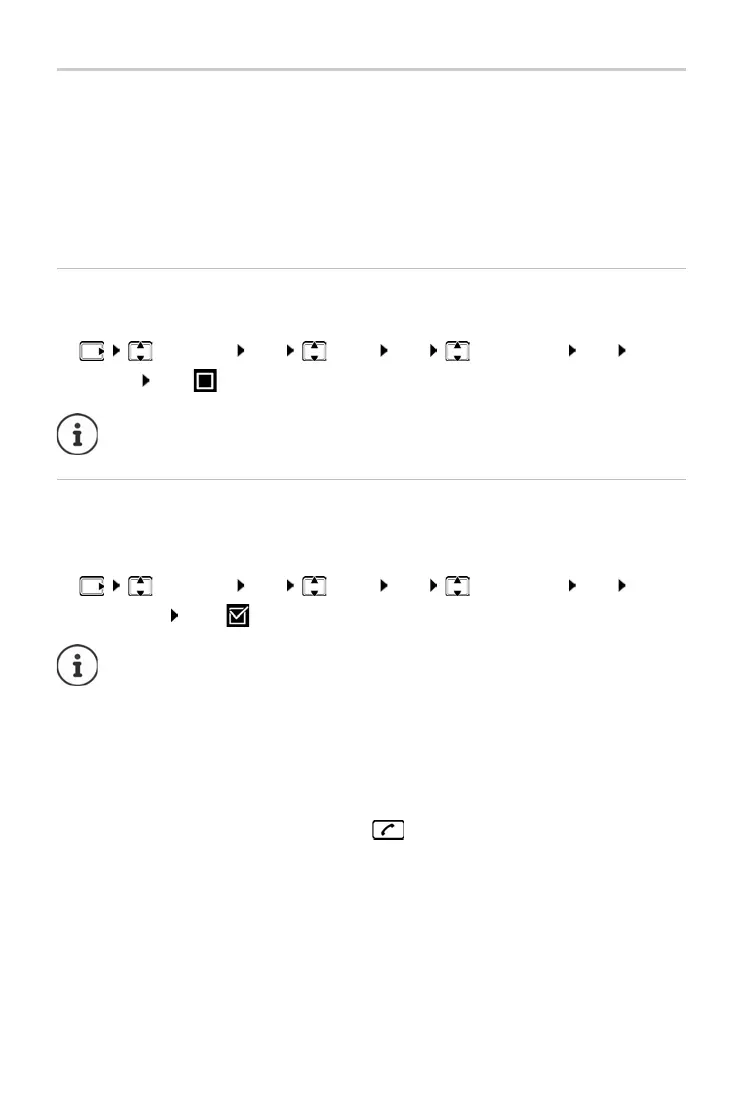
Enabling/disabling the maximum range:
Disabling radiation in idle mode
¤ Settings OK Base OK ECO DECT OK Max.
Range OK (
= range and radiation reduced)
It is not possible to use a repeater to increase the range.
The wireless signals of the base ar
e also disabled with the No Radiation
setting.
¤ Settings OK Base OK ECO DECT OK No
Radiation OK (
= Radiation disabled)
All handsets registered must support this feature.
For speedy set-up of connections for incoming calls, the handset
keeps
switching to “ready to receive” momentarily. This increases
the power consumption and so reduces the standby and talk times.
When No R
adiation is enabled, there is no range display / range
alarm on the handset. Contactability can be tested by attempting to
establish a connection.
¤ Press and hold the Talk key . . . the ringing tone sounds.



 To Next Page