Gigaset E290-E290A / LUG-Kombi CH en / A31008-M2901-F101-1-2X19 / appendix.fm / 5/5/20
Template Module, Elderly, Version 1.1, 01.04.2019
Service (Customer Care)
57
Questions and answers
If you have any questions about the use of your telephone, please go to
www.gigaset.com/service where help is available at any time. The table below
contains a list of common problems and possible solutions.
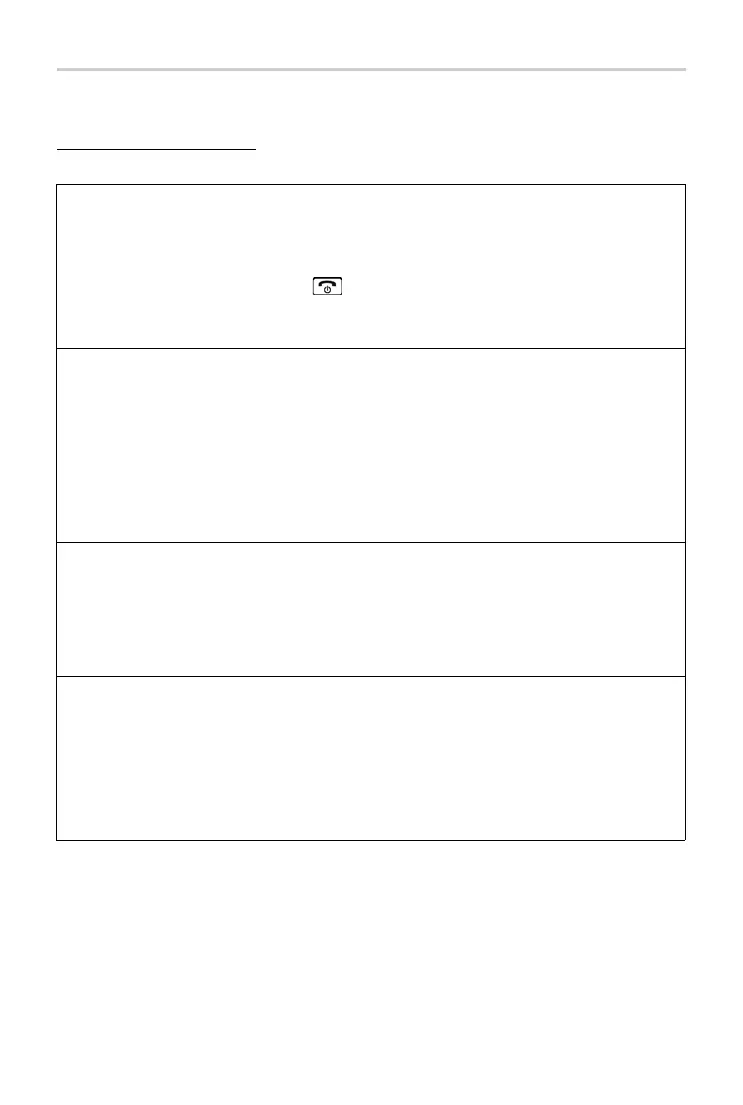
Problem Nothing on the display.
Cause The handset is not switched on.
The batteries are flat.
Solution Press the End call key for about 5 seconds or
place the handset into
the base.
Charge or replace the batteries.
Problem No radio connection to the base.
Cause The handset is outside the range of the base.
Handset is not yet registered.
The base is not switched on.
Solution
¤ Move the handset closer to the base.
¤ Register the handset.
¤ Check the power plug on the base.
Problem You cannot hear a ring or dial tone from the fixed line network.
Cause The phone cable supplied has not been used or it has been replaced by
a new
cable with the wrong pin connections.
Solution
¤
Please always use the telephone cable supplied or ensure that the pin
connections are correct when purchasing from a retailer.
Problem Error tone sounds after system PIN prompt.
PIN forgotten.
Cause You have entered the wrong system PIN.
Solution
¤ Reset the system PIN to the default 0000.
All the handsets are de-registered. All settings are reset. All lists are
deleted.



 To Next Page