Template Module, Elderly, Version 1.1, 01.04.2019,
Additional functions
Gigaset E290-E290A / LUG-Kombi CH en / A31008-M2901-F101-1-2X19 / applications.fm / 5/5/20
40
Additional functions
Quick access
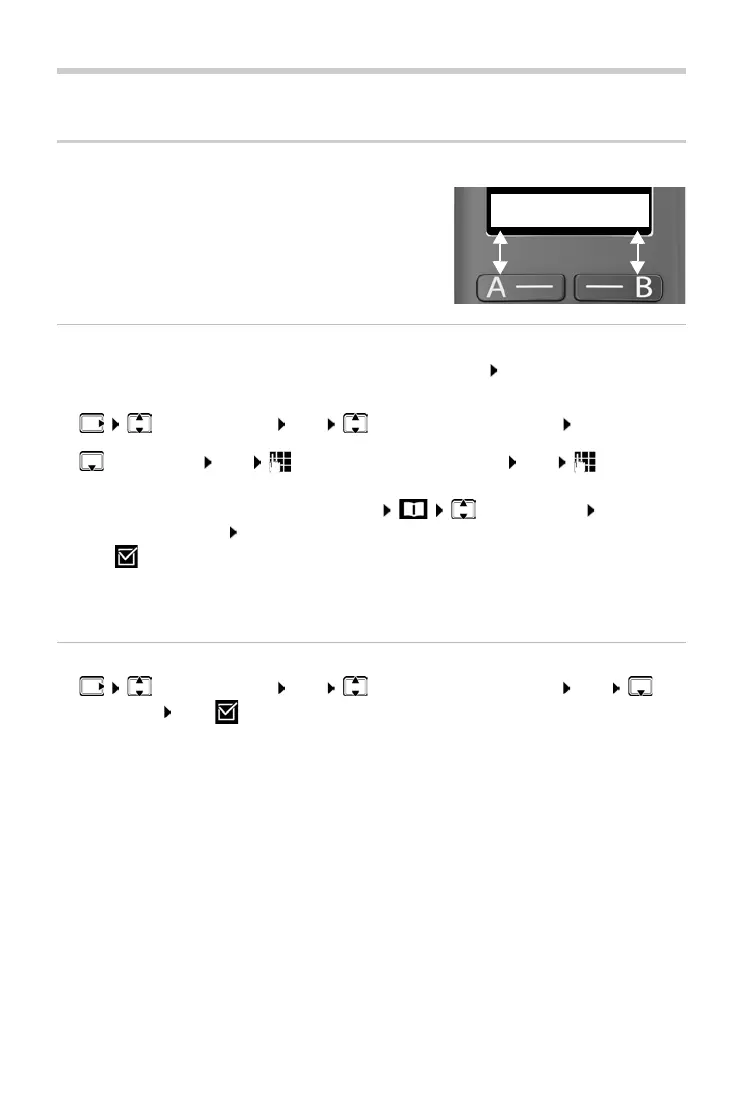
Call numbers can be assigned to display keys A
and B. As soon as a key is pressed, the number
speci
fied is dialled.
When the keys are not assigned, A is sho
wn on
the left and B on the right of the display.
Assigning a key
¤ When the phone is in idle mode, press key A or B OK
or
¤ Call Manager OK Function Key "A" / "B" OK
¤ Quick Dial OK Enter the phone number OK Enter
the name
or use a number from the directory: Select entry Confirm
number with OK Confirm name with OK
¤ OK ( = quick access key is enabled)
As soon as the key is assigned, the name entered is shown above the key on
the displa
y. If you have not specified a name, the call number is displayed.
Disabling quick access
¤ Call Manager OK Function Key "A" / "B" OK No
Function OK ( = quick access key is disabled)



 To Next Page