Gigaset E290-E290A / LUG-Kombi CH en / A31008-M2901-F101-1-2X19 / operating.fm / 5/5/20
Template Module, Elderly, Version 1.1, 01.04.2019
Operating the handset
19
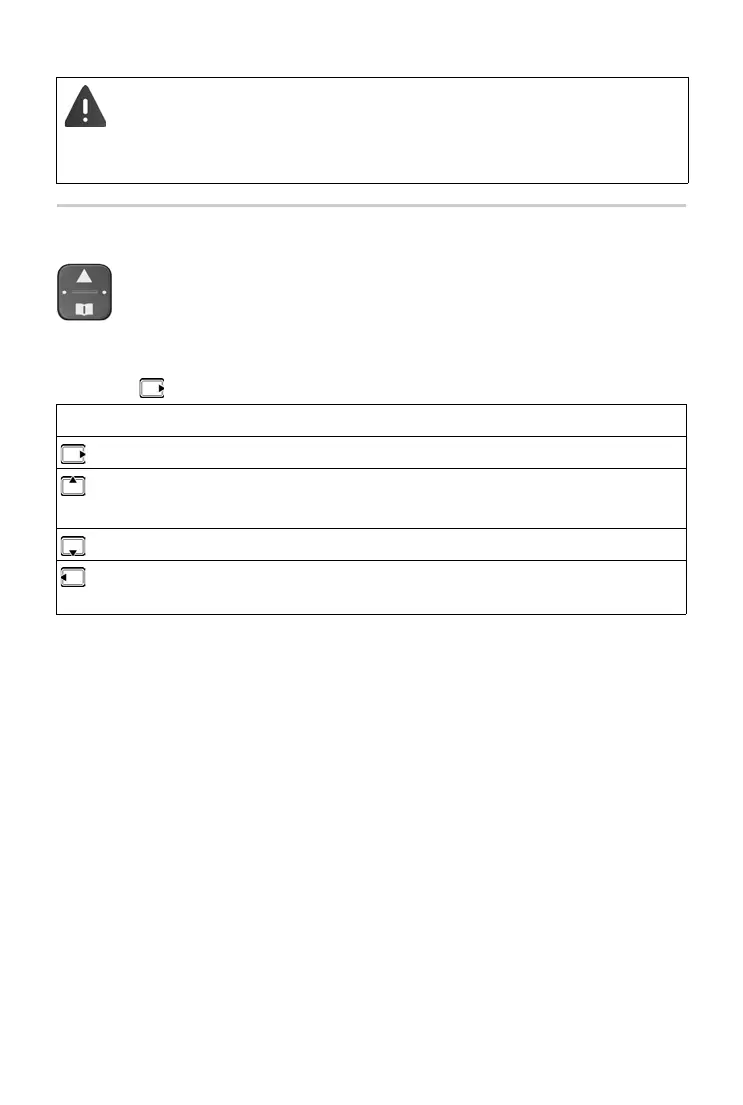
Control key
In the description below, the side of the control key is marked with an arrow
(up, down, left, right) that must be pressed in the different operating situa-
tions, e.g. for “press right on the control key”.
This setting can result in harm to health for those with normal
hearing a
bility and is only intended for those with a hearing impair-
ment or reduced hearing.
Disruptive noises on the phone line can be increased.
The control key enables you to navigate the menus and input
fields
, and also to call up certain functions depending on the
situation.
In idle mode During a conversation
Open the main menu Mute the microphone
Opening the main menu
Enabling/disabling the ringtone
Adjust the loudspeaker volume for
r
eceiver and handsfree mode
Open the directory Open the directory
Make internal call /
Op
en list of handsets
Initiate an internal consultation
call



 To Next Page