Gigaset E290-E290A / LUG-Kombi CH en / A31008-M2901-F101-1-2X19 / appendix.fm / 5/5/20
Template Module, Elderly, Version 1.1, 01.04.2019
Technical data
65
Character set tables
The character set used on the handset is dependent on the language set.
Entering letters/characters
¤ Press the relevant key several times.
¤ Briefly press the Hash key to switch from mode “Abc” to “123”, from “123” to
“abc” and from “abc” to “Abc”.
Standard characters
1) Space
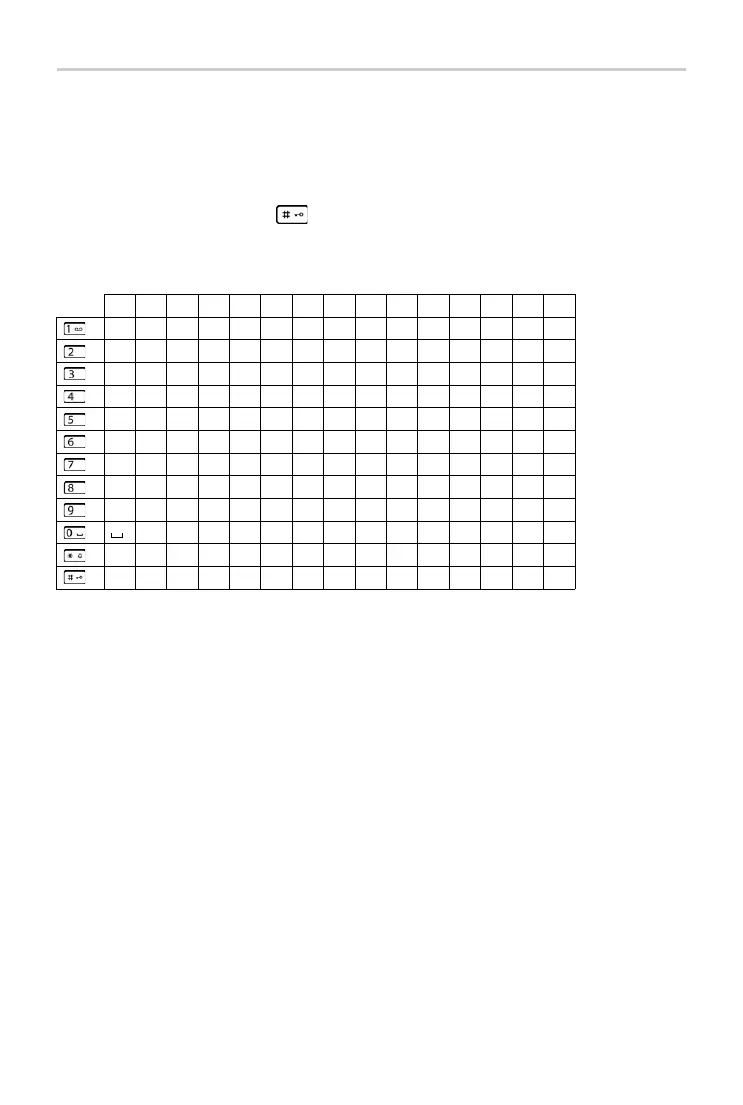
1x 2x 3x 4x 5x 6x 7x 8x 9x 10x 11x 12x 13x 14x 15x
1 £ $ ¥ ¤
a b c 2 ä á à â ã ç
d e f 3 ë é è ê
g h i 4 ğ ï í ì î ı
j k l 5
m n o 6 ö ñ ó ò ô õ
p q r s 7 ß ş
t u v 8 ü ú ù û
w x y z 9 ÿ ý æ ø å
. , ? ! 0 + - : ¿ ¡ " ` ; _
* / ( ) < = > %
# @ \ & §



 To Next Page