Template Module, Elderly, Version 1.0, 20.02.2019,
Phone settings
Gigaset E290-E290A / LUG-Kombi CH en / A31008-M2901-F101-1-2X19 / settings.fm / 5/5/20
54
System
Changing the system PIN
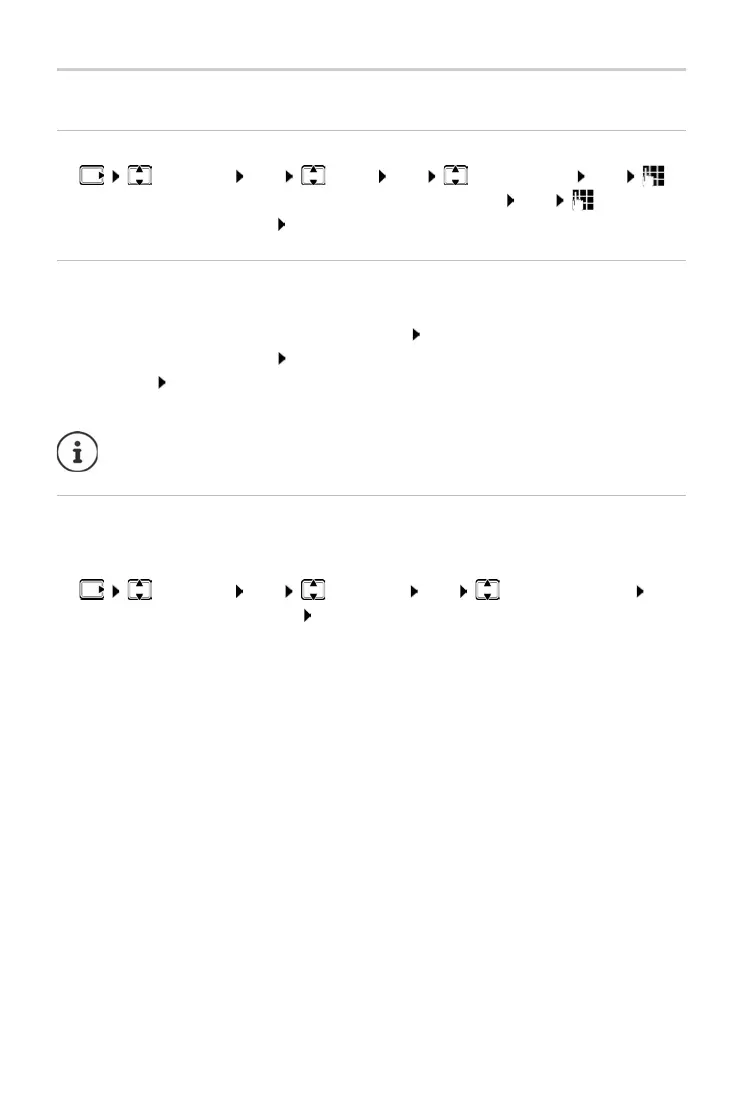
¤ Settings OK Base OK System PIN OK
Enter the current 4-digit system PIN (default: 0000) OK Enter the
new 4-digit system PIN OK
Resetting the system PIN
Resetting the base to the original PIN code 0000:
¤ Remove the power cable from the base Keep pressed the Registration/
paging key on the base At the same time, reconnect the power cable to
the base
press and hold the key for at least 5 seconds . . . the base is
reset and the system PIN is set to 000
0
Resetting the handset
You can reset individual settings. Entries in the directory and call list, and the
handset’s registration to the base, are maintained.
¤ Settings OK Handset OK Reset Handset OK
. . . P
erform factory reset? OK
All handsets are de-registered and must be r
e-registered. All settings
are reset to the defaults.



 To Next Page