Gigaset E290-E290A / LUG-Kombi CH en / A31008-M2901-F101-1-2X19 / answering_A.fm / 5/5/20
Template Module, Elderly, Version 1.1, 01.04.2019
Local answer machine (if available)
35
Changing settings
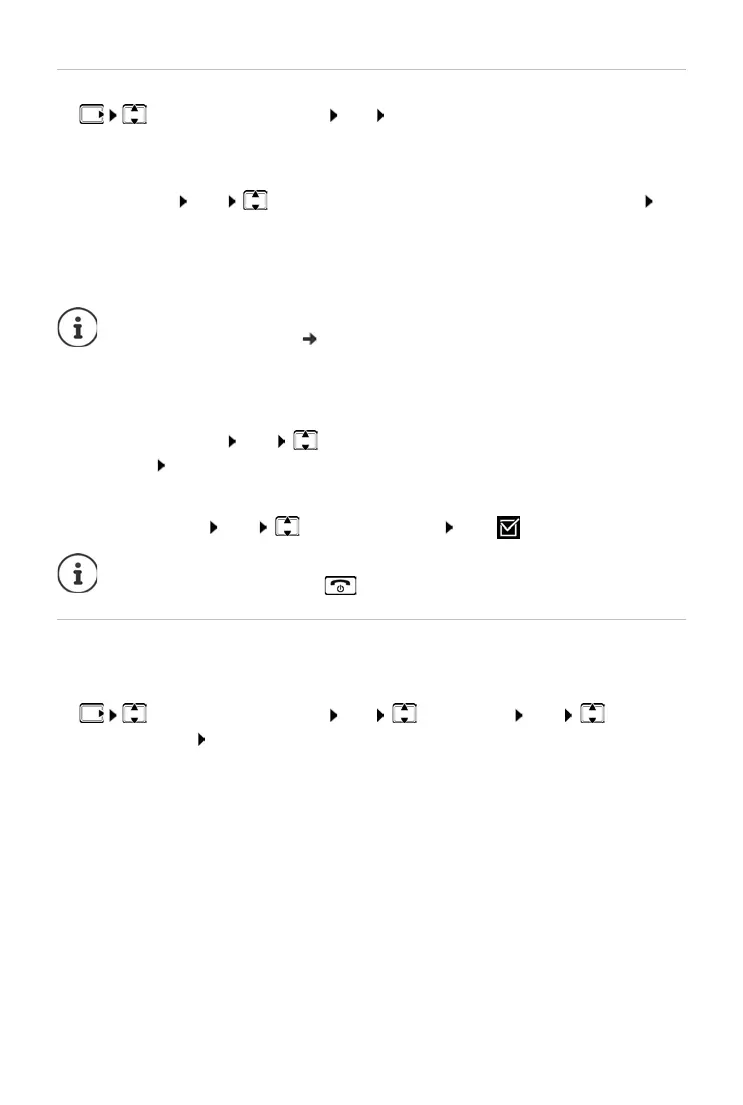
¤ Answering Machine OK Select the setting you want to
change
Time to Auto Answer:
¤ Ring Delay OK Immediately / 10 sec / 18 sec / 30 sec / Auto OK
Auto: the
answer machine answers a call:
• after 18 seconds if there are no new messages.
• after 10 seconds if there are new messages.
Recording time:
¤ Message Length OK Maximum / 1 Minute / 2 Minutes / 3
Minutes OK
Listening in during recording:
¤ Call Screening OK Handset / Base OK ( = enabled)
Setting a different language (if available)
You can change the voice prompt language and language of the standard
announcement.
¤ Answering Machine OK Language OK Select
the language OK
Select Au
to when you want to retrieve messages while you are out.
So for remote access ( p. 38), it is clear after 10 seconds that there
are no new messages. No call costs are incurred if the call is ended
immediat
ely.
Disable listening in for the c
urrent recording:
¤ Press the End call key .



 To Next Page