12
Template Go, Version 1, 01.07.2014 / ModuleVersion 1.0
Getting to know your telephone
Gigaset E370A / LUG UK-IE en / A31008-M2841-L101-1-7619 / operating.fm / 9/14/17
During a conversation
Extra-loud function
During a call or when listening to a message, make the volume for the handset or the
loudspeaker very loud.
¤ Press the control key Press the control key until
you reach the highest level.
The extra-loud setting only applies for the duration of the call.
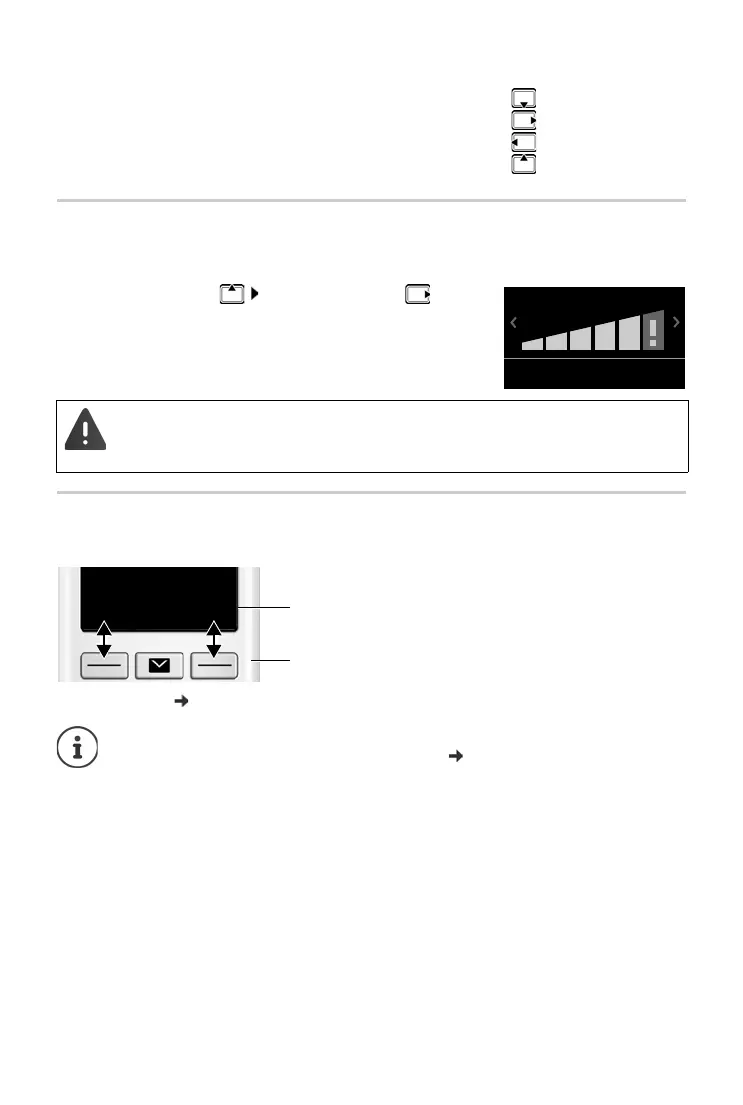
Display keys
The display keys perform a range of functions depending on the operating situation.
Display key icons
p. 66.
Open the directory
Mute the microphone
Initiate an internal consultation call
Adjust the loudspeaker volume for receiver and handsfree mode
• This setting can result in harm to health in persons with a normal hearing ability
and is only intended for persons with a hearing impairment or reduced hearing.
• Disruptive noises on the phone line can be increased.
The right display key is always preset with the Emergency function in idle mode. You
can change
the assignment of the left display key:
p. 54
Current display key
functions
Display keys
Back Save



 To Next Page