11
Gigaset E370A / LUG UK-IE en / A31008-M2841-L101-1-7619 / operating.fm / 9/14/17
Template Go, Version 1, 01.07.2014 / ModuleVersion 1.0
Getting to know your telephone
Using the telephone
Getting to know your telephone
Switch the handset on/off
Lock/unlock the keypad
The keypad lock prevents any accidental use of the telephone.
Lock/unlock the keypad: Press and hol
d
Keypad lock activated: the following symbol appears
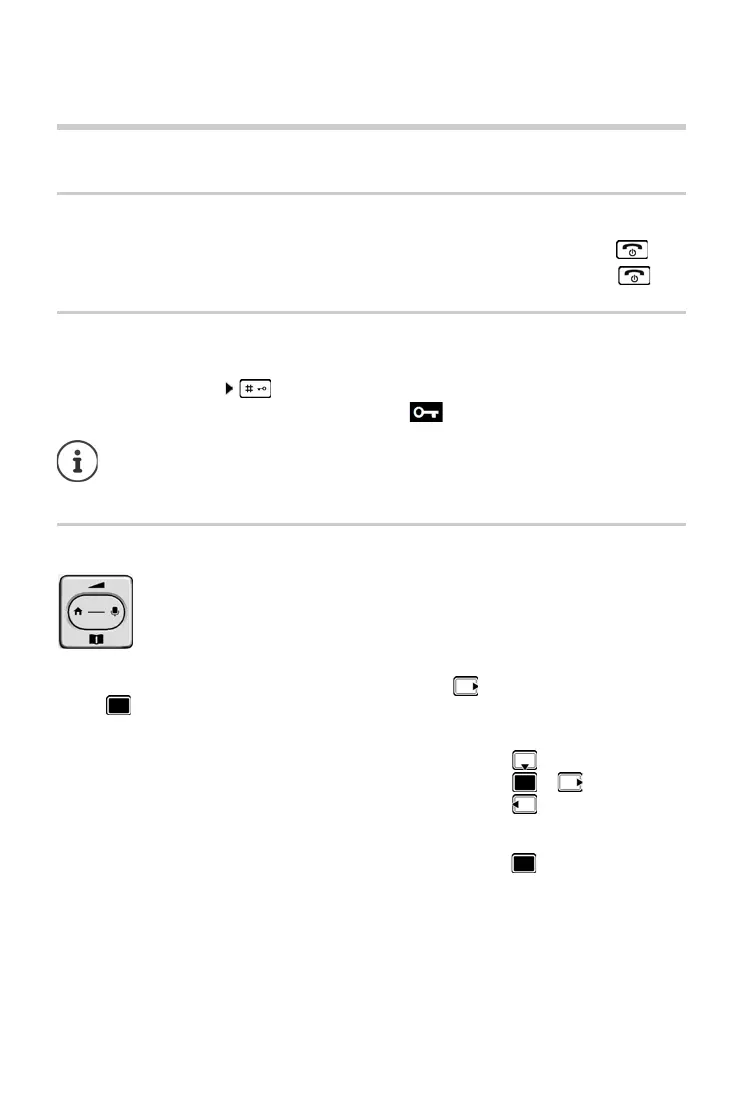
Control key
In the description below, the side of the control key (up, down, right, left) that you have to press
in the different operating situations is marked in black, e. g. for "press right on the control
key" or for "press the centre of the control key".
In idle status
In submenus, selection and entry fields
Switch on:
¤ When the handset is switched off, press and hold the End call key
Switch off:
¤ When the handset is in idle status, press and hold the End call key
If a call is indicated on the handset, the
keypad automatically unlocks and you can
accept the call. It then locks again when the call is finished.
It is not possible to call emergency numbers either when k
eypad lock is activated.
The control key enables you to navigate the menus and input fields, and also to
c
all up certain functions depending on the situation.
Open the directory Press briefly
Open the main menu or
Open the list of handsets
Confirm a function



 To Next Page