10
Template Go, Version 1, 01.07.2014 / ModuleVersion 1.0
Handset
Gigaset E370A / LUG UK-IE en / A31008-M2841-L101-1-7619 / starting-A.fm / 9/14/17
Setting the date and time
Set the date/time so that the correct date and time can be assigned to incoming calls, and to
enable the alarm to be used.
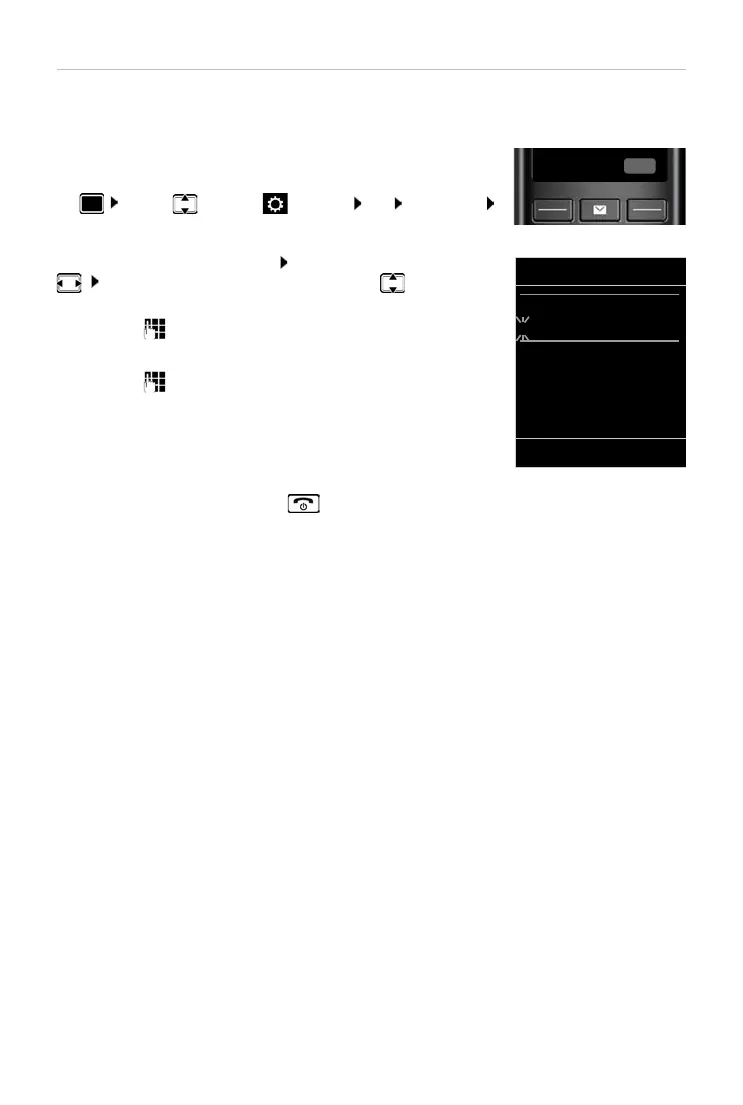
¤ Press the display key Time
or, if the date and time have already been set:
¤ . . . use to select Settings OK Date/Time
OK
The active cursor position flashes . . . change cursor position with
. . . switch between cursor positions with
Enter date:
¤ . . . using enter the day, month and year in 8-digit format.
Enter time:
¤ . . . using enter hours and minutes in 4-digit format.
Save settings:
¤ Press the display key Save. . . . Saved is shown in the display and
a confirmation tone sounds.
Return to idle status:
¤ Press and hold the End call key
The telephone is now ready for use.
Date/Time
Date:
15.08.2017
Time:
00:00
Back Save



 To Next Page