9
Gigaset E370A / LUG UK-IE en / A31008-M2841-L101-1-7619 / starting-A.fm / 9/14/17
Template Go, Version 1, 01.07.2014 / ModuleVersion 1.0
Handset
Charging the batteries
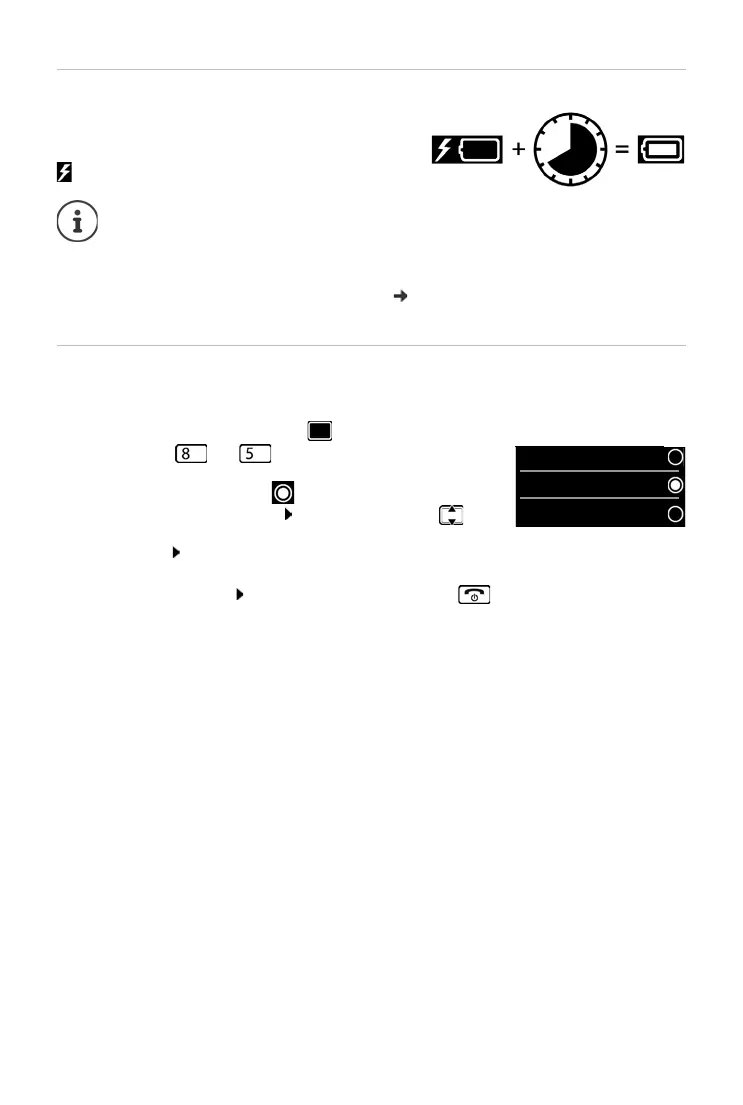
¤ Charge the batteries fully prior to first use in the
charging cradle.
The batteries are fully charged when the power icon
disappears from the display.
Changing the display language
You can change the display language, if the telephone has been set to an incomprehensible
language.
¤ Press the centre of the control key .
¤ Press the keys and slowly and successively . . . the
language settings display appears, the set language
(e. g. English) i
s highlighted ( = selected).
¤ To select a different language: Press the control key until
the desired language is highlighted on the display,
e. g. Francais press the key on the right directly underneath
the display to activate the
language.
¤ To revert to idle status: Press and hold the End call key
Batteries may heat up during charging. This is not dangerous.
After a time, the charge capacity of the battery will decrease for technical reasons.
Handsets contained in the package have already been registered to the base. In the
ev
ent that a handset is not registered however (indicated by "Please register
handset"), register the handset manually (
p. 45).



 To Next Page