24
Template Go, Version 1, 01.07.2014 / ModuleVersion 1.0
Directory
Gigaset E370A / LUG UK-IE en / A31008-M2841-L101-1-7619 / directory.fm / 9/14/17
Directory
The local directory is unique to the handset. However, it is possible to send entries to other
handsets.
Opening the directory
¤ Briefly press in idle status
Directory entries
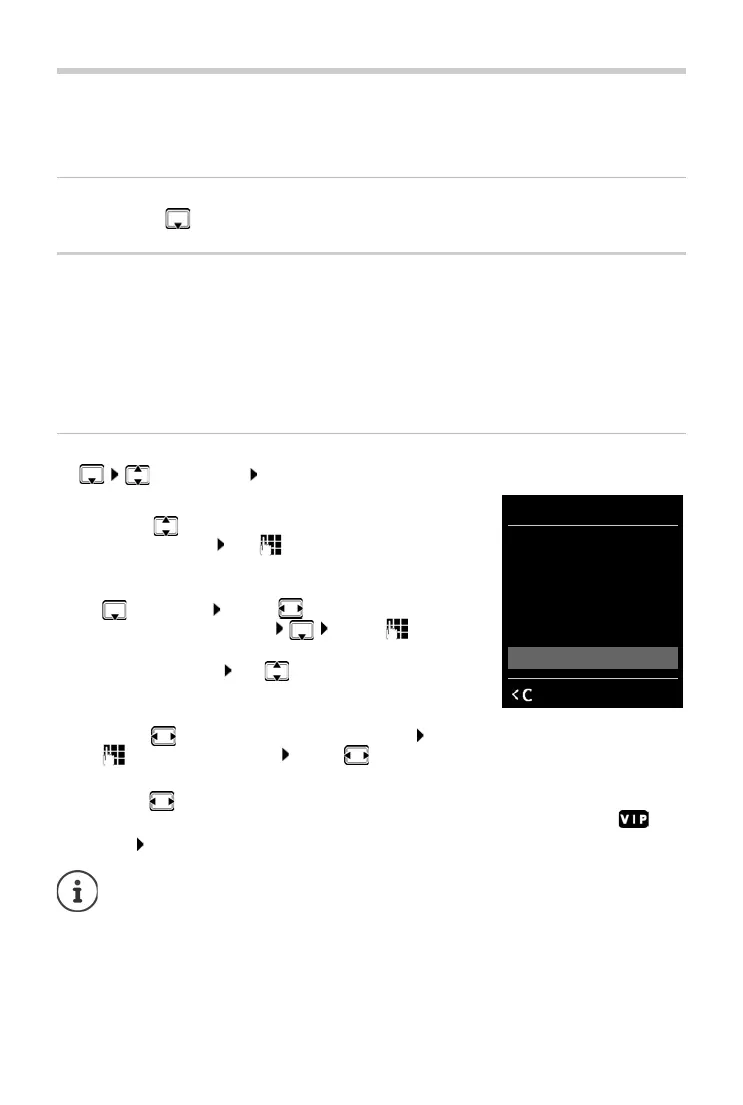
Creating an entry
¤ <New Entry> OK
Name:
¤ . . . Use to toggle between the entry fields First
Name/Surn
ame Use to enter the first and/or last
name
Numbers:
¤ Tel.1 - Type . . . Use to select a number type
(Home, Of
fice or Mobile) . . . Use to enter a
number
Enter more numbers: Use to toggle between the entry
fields Te
l.1 - Type/Tel.2 - Type/Tel.3 - Type
Anniversary:
¤ . . . use to activate/deactivate Anniversary . . . use
to enter date and time . . . use to select type of alert (Vi
sual only or a ringtone)
Caller Melody (VIP) :
¤ . . . use to select the ringtone that will indicate a call from the participant . . . if a Caller
Melody (VIP)
has been assigned, the entry will appear in the directory with the icon.
Save entry: S
ave
Number of entries: up to 200
Information: First name and surname, up to three telephone numbers, anniversary
with aler
t, VIP ringtone with VIP icon
Length of the entries: Numbers: max. 32 digits
First name, surname: max. 16 characters
The entry is only valid if it contains at least one number.
New Entry
First Name:
Robert|
Surname:
Abc
‚
Save



 To Next Page