30
Template Go, Version 1, 01.07.2014 / ModuleVersion 1.0
Local answer machine
Gigaset E370A / LUG UK-IE en / A31008-M2841-L101-1-7619 / answering_m_A.fm / 9/14/17
Answer machine
Local answer machine
Switching the answer machine on/off
The answer machine can be set to the following modes:
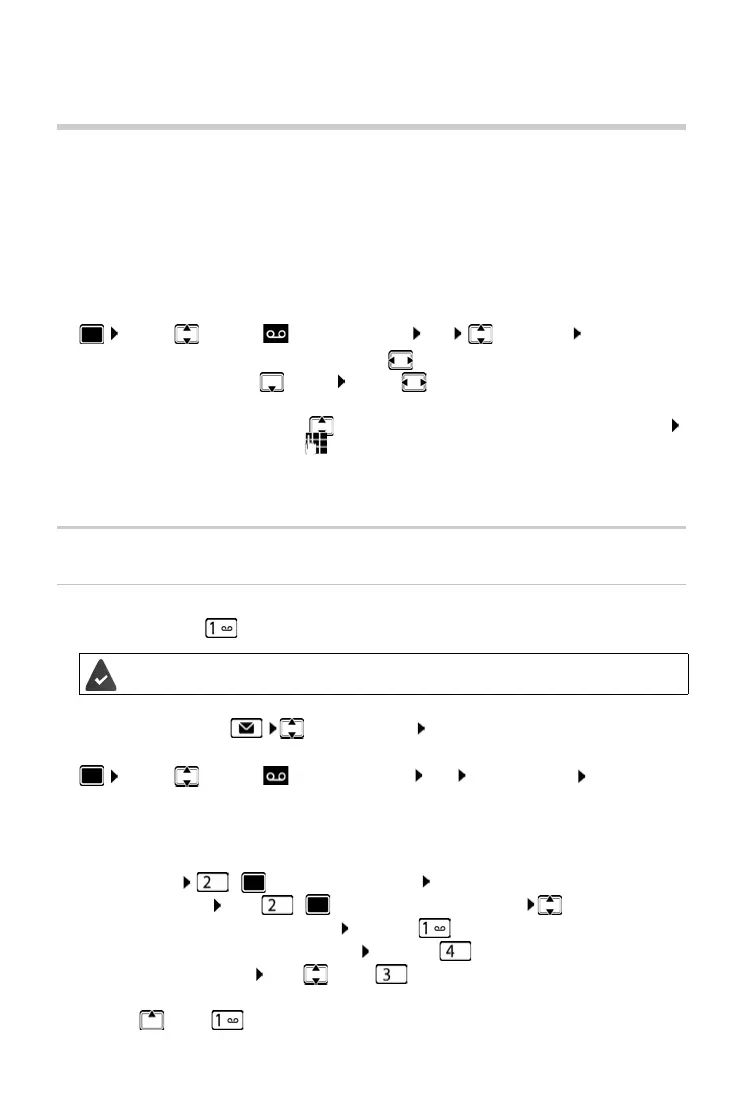
¤ . . . use to select Answer Machine OK Activation OK . . . then
Operation using the handset
Playing back messages
¤ Press and hold the key
or
¤ Press the Message key Answer Mach.: OK
or
¤ . . . use to select Answer Machine OK Play Messages OK
The answer machine begins immediately with message playback. New messages are played
ba
ck first.
Actions during playback
• Stop playback: / or use the display key: Options
• Continue playback: Press / again or use the display key: Continue
• Go to the start of the current message: Press key
• Repeat the last 5 seconds of the message: Press key
• Skip to the next message: Press or key
• Skip to previous message during the time stamp playback:
¤ Press or key
Answer & record The caller hears an announcement and is able to leave a message.
Answer only The caller hears an announcement but cannot leave a message.
Alternating The mode switches between A
nswer & record and Answer only at pre-
determined times.
Switch on/off:
¤ Activation: . . . use to select On or Off
Set mode:
¤ Mode . . . use to select mode
Set the time for Alte
rnating mode:
¤ . . . use to switch between Record from and Record until
.
. . use to enter hours/minutes in 4-digit format to set the start
and end of the period. (The time must be
set.)
Save settings:
¤ Save
Key 1 is assigned to the answer machine.



 To Next Page