Gigaset E370A / LUG UK-IE en / A31008-M2841-L101-1-7619 / call_list.fm / 9/14/17
Template Go, Version 1, 01.07.2014 / ModuleVersion 1.0
Call lists
29
Opening the call list
Calling back a caller from the call list
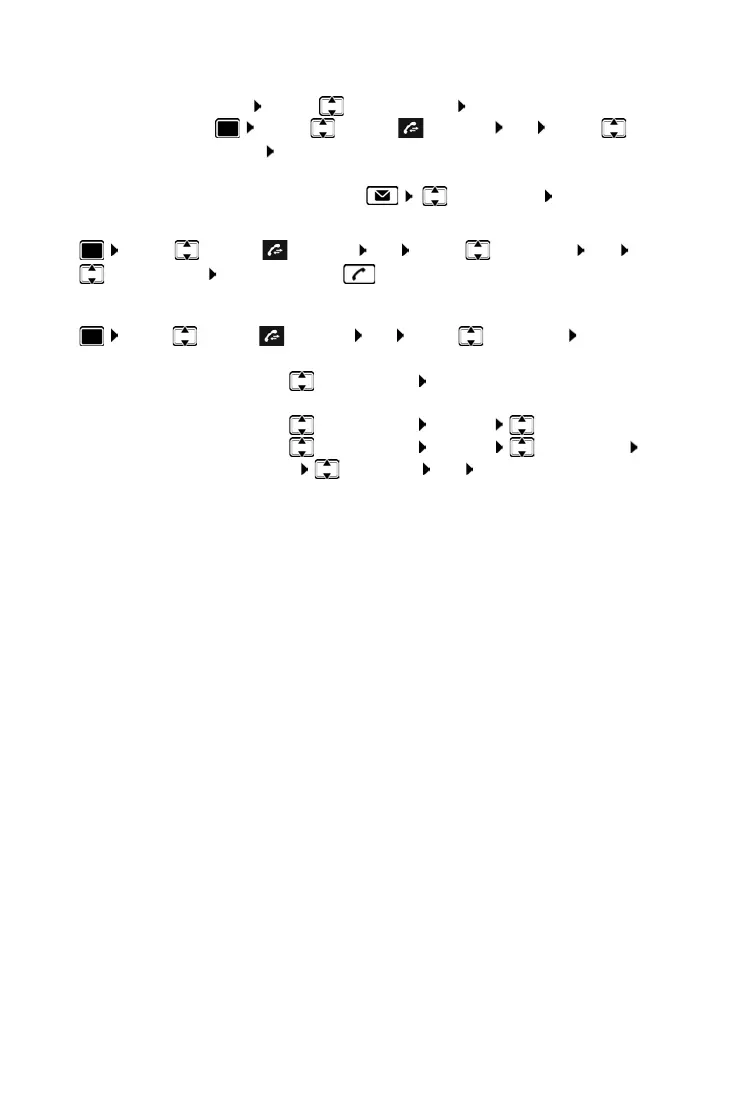
¤ . . . use to select Call Lists OK . . . use to select list OK . . . use
to select entry Press the Talk key
Additional options
¤ . . . use to select Call Lists OK . . . use to select list OK . . . possible
options:
Via the display key:
¤ Calls . . . use to select the list OK
Via the menu:
¤ . . . use to select Call Lists OK . . . use to select
the list OK
Via the Message key (missed calls):
¤ Press the Message key Missed Calls: OK
View an entry:
¤ . . . use to select entry View
Copy the number to the directory:
¤ . . . use to select entry Options Copy to Directory
Delete an entry:
¤ . . . use to select entry Options Delete entry OK
Delete list:
¤ Options Delete List OK Ye s



 To Next Page