14
Template Go, Version 1, 01.07.2014 / ModuleVersion 1.0
Getting to know your telephone
Gigaset E370A / LUG UK-IE en / A31008-M2841-L101-1-7619 / operating.fm / 9/14/17
Entering text
Input position
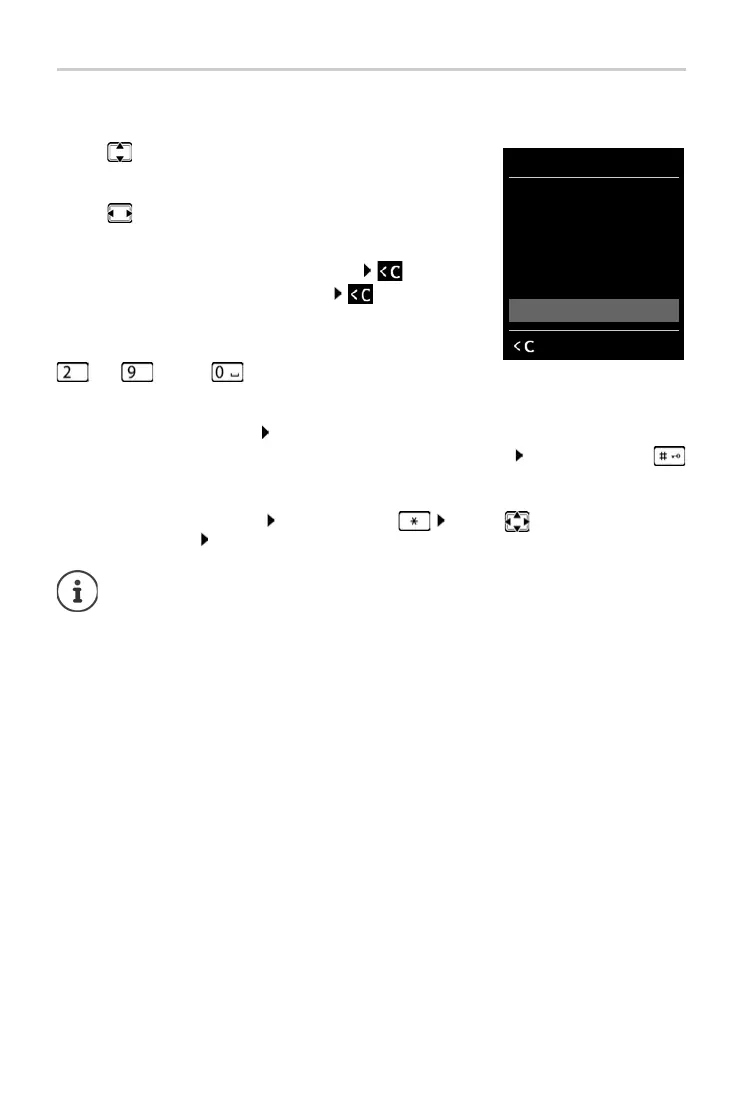
¤ Use to select an entry field. The cursor flashes in the active
entry field, the title and the tex
t entered turn orange and are
shown in large font.
¤ Use to move the position of the cursor.
Correcting incorrect entries
• Delete characters to the left of the cursor: Press briefly
• Delete words to the left of the cursor: Press and hold
Entering letters/characters
Multiple letters and numbers are assigned to each key between
and and the key. As soon as a k
ey is pressed, the
possible characters are displayed at the bottom of the displ
ay. The selected character is high-
lighted.
• Selecting letters/numbers: Press the key briefly several times in succession
• Switch between lower case, upper case and number entry mode: Press the hash key
When editing a directory entry, the first letter and
each letter following a space is
automatically in upper case.
• Entering special characters: Press the star key . . . use to navigate to the
desired character In
sert
The availability of special characters depend
s on the character set of the handset.
New Entry
First Name:
Peter|
Surname:
Abc
‚
Save



 To Next Page