18
Template Go, Version 1, 01.07.2014 / ModuleVersion 1.0
Making calls
Gigaset E370A / LUG UK-IE en / A31008-M2841-L101-1-7619 / telephony.fm / 9/14/17
Accepting/rejecting call waiting
An external call arriving during an internal call is indicated with a call waiting tone. If the number
is transferred, you will see the number or the name of the caller on the display.
• Rejecting a call: Reject
The call waiting tone is turned off. The call continues t
o be indicated on the other registered
handsets.
• Accepting a call: Accept . . . Speak to the new caller, the previous call is placed on hold.
Internal call waiting during an external call
If an internal participant attempts to call you while you are involved in an external or internal call,
this call is shown on the display (Call Waiting).
• End display: Press any key
• Accept the internal call: End your current call
The internal call is indicated in the usual way. You can accept the call.
Listening in to an external call
You are conducting an external call. An internal participant can listen in to this call and take part
in the conversation (conference).
Activating/deactivating internal listening in
Internal listening in
The line is engaged with an external call. Your screen will display information to that effect. You
can listen in to the external call.
¤ Press and hold . . . all participants will hear a signal tone
Ending listening in
¤ Press . . . all participants will hear a signal tone
Transfer the external call when the internal participant has answered:
¤ Announce an external call Press the End call key
Transfer the external call before the int
ernal participant answers:
¤ Press the End call key . . . the external call is forwarded immediately. If the
internal participant does not answer or the line is busy, the external call will
au
tomatically return to you.
End the internal call if the internal participant does not answ
er or the line is busy:
¤ End . . . You return to the external call
The Lis
tening In function must be activated.
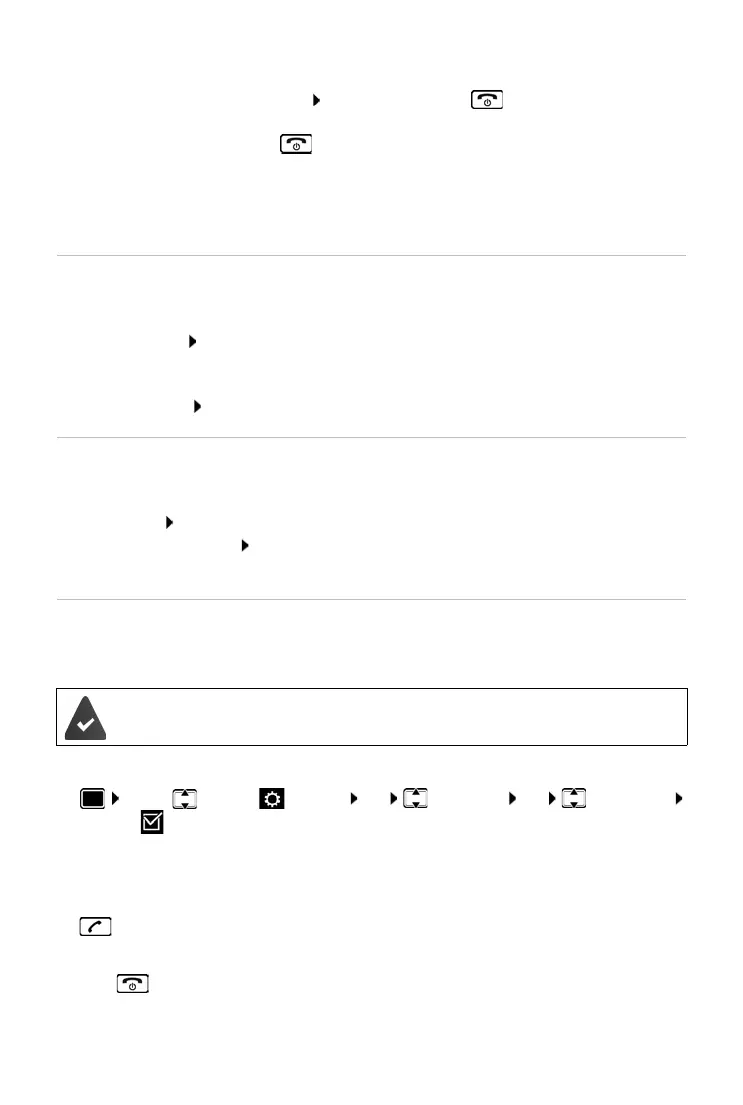
¤ . . . use to select Settings OK Telep hony OK Listening In
Change ( = on)



 To Next Page