21
Gigaset E370A / LUG UK-IE en / A31008-M2841-L101-1-7619 / netservices.fm / 9/14/17
Template Go, Version 1, 01.07.2014 / ModuleVersion 1.0
Provider-specific functions (network services)
Calling Line Identification for outgoing calls
Switching Calling Line Identification on/off for all calls
These settings apply to all registered handsets.
¤ . . . use to select Select Services OK All Calls Anonym.
Change ( = activated)
Deactivating Calling Line Identification for the next call
¤ . . . use to select Select Services OK Next Call Anonym. OK . . .
use to enter the number Di
al . . . the connection is established without Calling Line
Identification
Call waiting during an external call
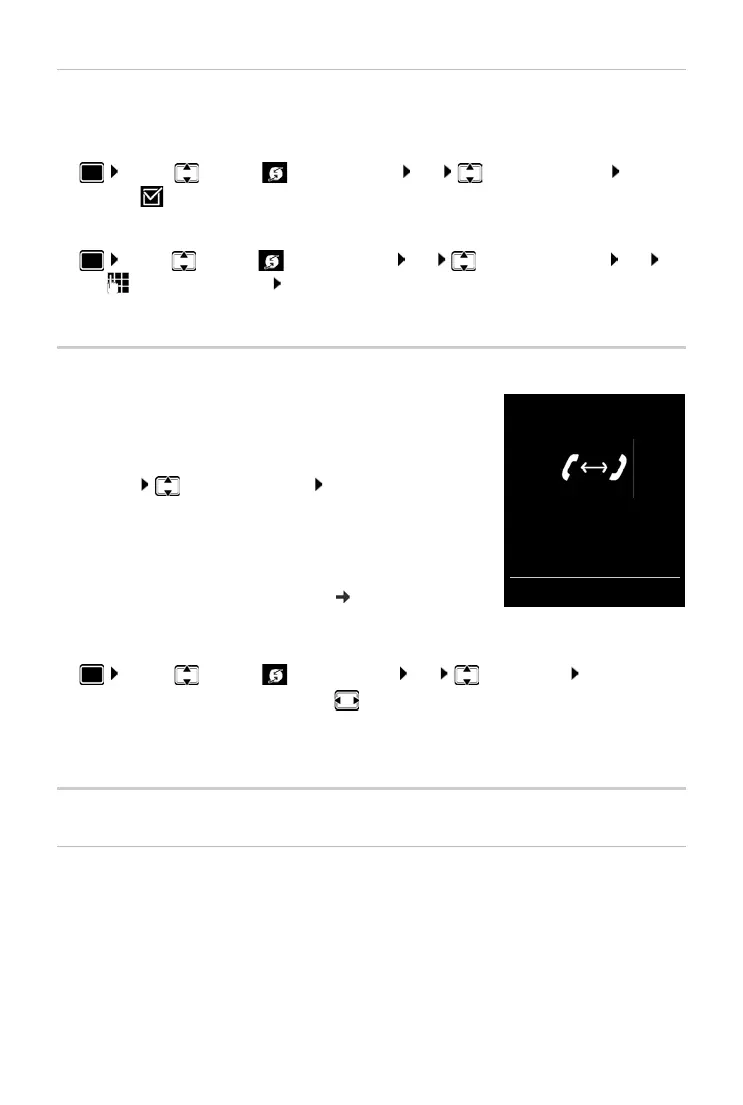
During an external call, a call waiting tone indicates another
external caller. If the number is being transferred, you will see the
number or the name of the caller on the display.
Reject waiting caller:
¤ Options Reject waiting call OK . . . the waiting
caller hears the busy tone
Accept the waiting call:
¤ Accept
Once you have accepted the waiting call, you can switch
b
etween the two callers ("Call swapping"
p. 23) or speak to
both simultaneously.
Activating/deactivating call waiting
¤ . . . use to select Select Services OK Call Waiting OK . . . then
Call waiting is activated or deactivated for all registered handsets.
Ringback
If busy/no answer
If a call recipient is unavailable, you can initiate a ringback.
• If busy: The ringback takes place as soon as the participant in question terminates the
current call.
• If no answer: The ringback takes place as soon as the participant in question has made
another call.
Switch on/off:
¤ Status: . . . use to select On or Off
Activate:
¤ Send
Call Waiting
1234567
Accept Options



 To Next Page