20
Template Go, Version 1, 01.07.2014 / ModuleVersion 1.0
Lists
Gigaset E560A / LUG GBR en / A31008-M2708-L101-1-7619 / telephony.fm / 7/14/16
Network mailbox list
You can use this list to listen to messages on the network mailbox ( p. 33).
Missed calls list
Prerequisite: CLIP ( p. 17)
Your telephone saves the last 25 missed calls.
Opening the list of missed calls
¤ Missed Calls
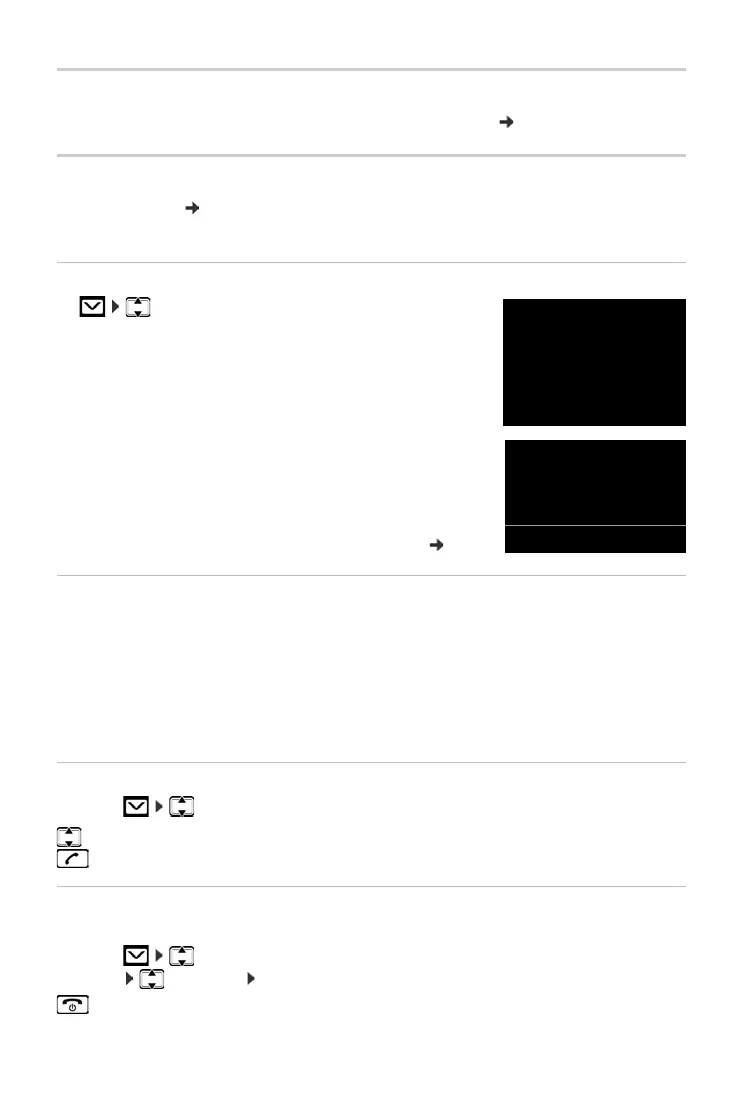
The list is displayed as follows:
Number of new messages + number of old, read messages.
The last missed call is displayed as the first entry.
Example for a list entry:
• Status of entry
New Call: New missed call.
Old Call: Entry already read.
• Number or name of caller
You can add the number of the caller to the directory ( p. 23).
Menu functions
Use the Menu display key to select the following options:
After exiting the list, all entries are assigned the status "old".
Selecting from the list of missed calls
Open list: Missed Calls
Deleting all entries
Caution! All old and new entries will be deleted.
Open list: Missed Calls
¤ Menu Delete List OK
OK Press the display key to open the list.
¤ Delete Entry Delete selected entry.
¤ Copy to Directory Copy the caller's number to the directory.
¤ Show Number Display caller's phone number.
¤ Delete List Delete all entries in the list.
Select an entry.
Press the talk key. The number is dialled.
Press and hold (idle status).



 To Next Page