16
Template Go, Version 1, 01.07.2014 / ModuleVersion 1.0
Making calls
Gigaset E560A / LUG GBR en / A31008-M2708-L101-1-7619 / telephony.fm / 7/14/16
Making calls
When the display backlight is switched off, pressing any key will activate the backlight. The rel-
evant key function is performed.
Making an external call
External calls are calls to the public telephone network.
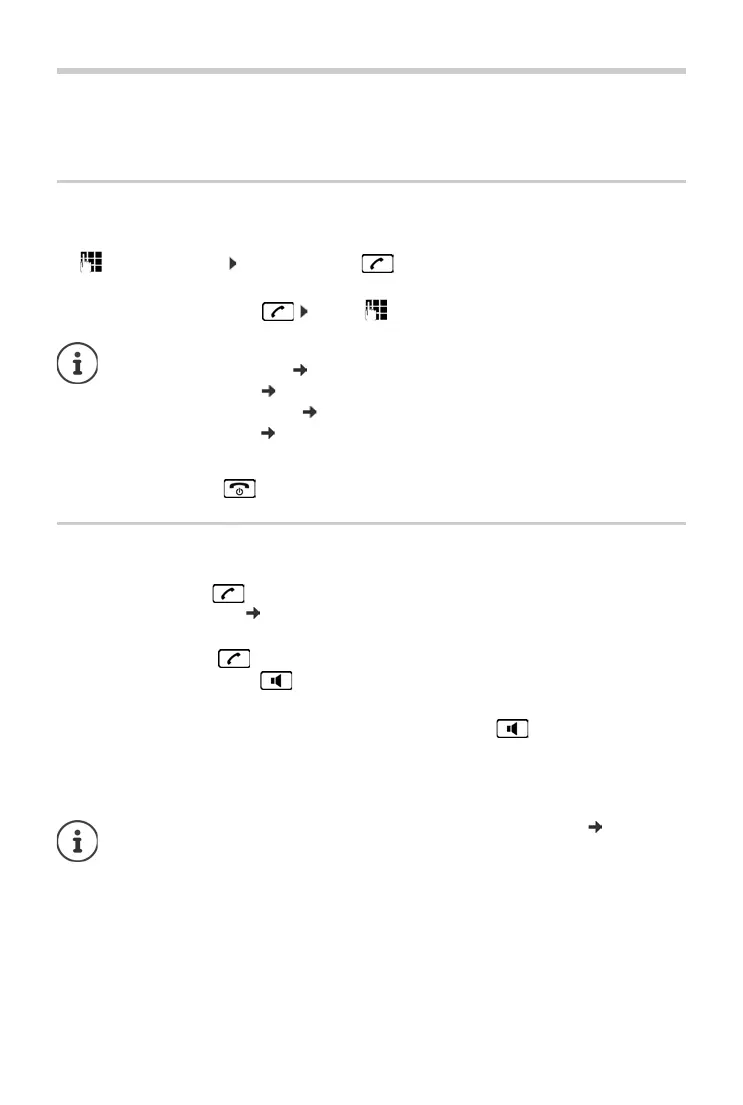
¤ Enter the number Press the Talk key briefly
or
¤ Press and hold the Talk key . . . use to enter the number
Ending call/cancelling selection
¤ Press the End call key or place the handset in the base or charging cradle.
Accepting a call
The handset indicates an incoming call in three ways: by ringing, by a display on the screen and
by the flashing talk key . The signal light on the back of the handset flashes if the function
LED Call Signal is activated ( p. 44).
You can accept the call on the handset by:
¤ Pressing the talk key .
¤ Pressing the handsfree key .
¤ Press the display key Accept.
You can accept the call on the base by pressing the handsfree key and calling from the
base.
Dialling the phone number:
• with the Direct dial key p. 12
• from the directory p. 22
• from the missed calls list p. 20
• from the redial list p. 19
Switching the ringtone off:
¤ Press the display key Silence. You can accept the call while it is
displayed on the screen.
If the handset is in the base and the Auto Answer function is activated ( p. 43), the
handset will accept a call automatically when you lift it out of the base.



 To Next Page