44
Template Go, Version 1, 01.07.2014 / ModuleVersion 1.0
Handset settings
Gigaset E560A / LUG GBR en / A31008-M2708-L101-1-7619 / settings_HS.fm / 7/14/16
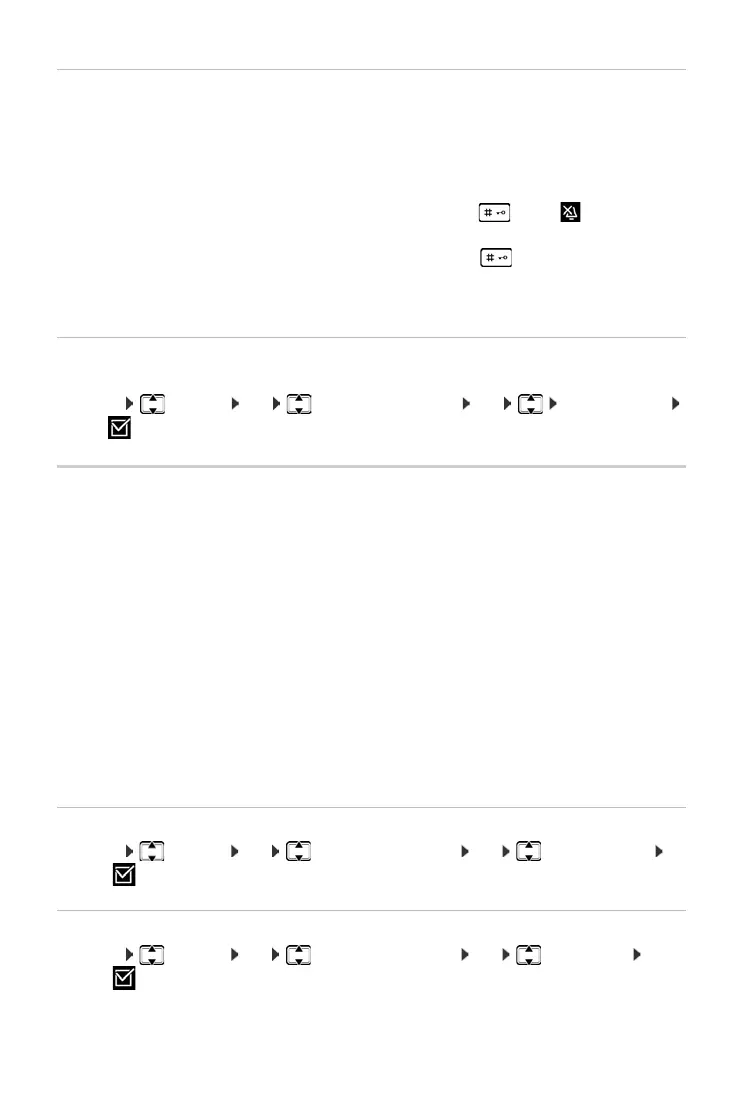
Activating/deactivating the ringer
You can:
• Permanently deactivate the ringer in idle status or when receiving a call
• Deactivate the ringer for the current call only.
The ringer cannot be re-activated while a call is in progress.
Activating/deactivating visual call signal
Incoming calls are signalled visually (e.g. in noisy environments).
¤ Menu Settings OK Audio/Visual Signals OK LED Call Signal
OK (=activated)
Advisory/warning tones
Your handset uses advisory tones to tell you about different activities and statuses. The following
tones can be activated and deactivated independently of each other:
• Advisory Tones
• Key click: Every key press is confirmed.
• Confirmation tone (rising tone sequence): At the end of an entry/setting, when the hand-
set is placed in the base and on arrival of a new entry in the answer machine list or the call
list.
• Error tone (descending tone sequence): When you make an incorrect entry.
• Battery Low
The battery requires charging.
• Out of Range Signal
The handset is no longer in range of the base.
You cannot deactivate the confirmation tone for placing the handset in the base.
Activating/deactivating advisory tones
¤ Menu Settings OK Audio/Visual Signals OK Advisory Tones
OK (=on)
Activating/deactivating battery low beep
¤ Menu Settings OK Audio/Visual Signals OK Battery Low
OK (=on)
Deactivating the ringer perma-
nently:
¤ Press and hold the star key . . . . he icon appears in
the display
Reactivating the ringer:
¤ Press and hold the star key .
Deactivating the ringer for the
current call:
¤ Press the Silence display key.



 To Next Page