31
Gigaset E560A / LUG GBR en / A31008-M2708-L101-1-7619 / answering_m.fm / 7/14/16
Template Go, Version 1, 01.07.2014 / ModuleVersion 1.0
Operating the answer machine
Activating/deactivating call screening
While the caller is leaving a message on the answer machine, you can listen in via the loud-
speaker on the base or handset.
Permanently activating/deactivating call screening
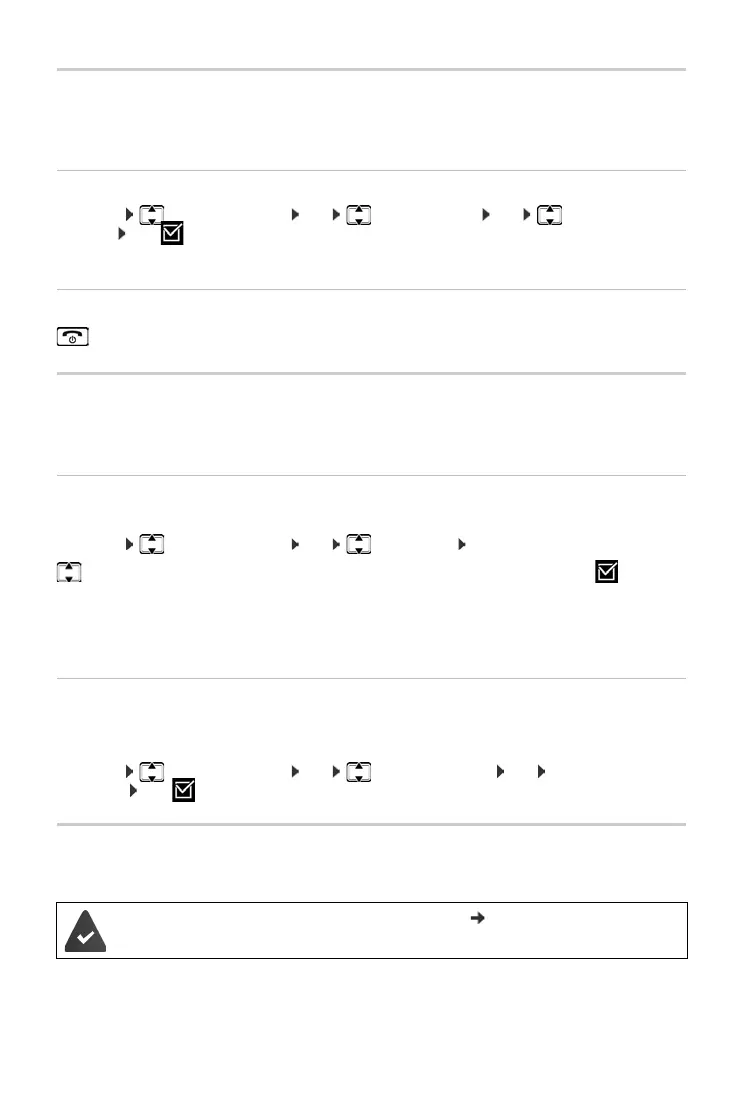
¤ Menu Answer Machine OK Call Screening OK Handset /
Base OK (=on)
Call screening can be simultaneously activated on the base and handset.
Deactivating call screening on the handset for the current recording
Setting up the answer machine
The answer machine has already been preset at the factory. You can configure individual set-
tings via the handset.
Setting up ring delay
You can set the amount of time that elapses before the answer machine is to accept a call.
¤ Menu Answer Machine OK Ring Delay OK
With Auto the ring delay is as follows:
• If there are no new messages, the answer machine answers a call after 18 seconds.
• If new messages are present, the answer machine answers a call after 10 seconds.
Setting the message length
You can set a maximum message length.
The options are: 1 Minute, 2 Minutes, 3 Minutes or Unlimited.
¤ Menu Answer Machine OK Message Length OK Select the message
length OK (=on)
Operating when on the move (remote operation)
Check or activate the answer machine from another telephone (e.g. hotel, mobile telephone).
Press the end call key. The loudspeaker on the handset is deactivated.
No delay / 10 sec. / 18 sec. / 30 sec. / Auto Select and press OK (=on).
The system PIN is set to something other than 0000 ( p. 46) and the other tele-
phone has tone dialling (DTMF).



 To Next Page