32
Template Go, Version 1, 01.07.2014 / ModuleVersion 1.0
Operating the answer machine
Gigaset E560A / LUG GBR en / A31008-M2708-L101-1-7619 / answering_m.fm / 7/14/16
Activating the answer machine
¤ . . . Call your own telephone connection and allow it to ring until "Please enter PIN" is
stated . . . Enter the system PIN within 10 seconds
Checking the answer machine
¤ . . . Call your own telephone connection and press the key during playback of the
announcement . . . Enter system PIN
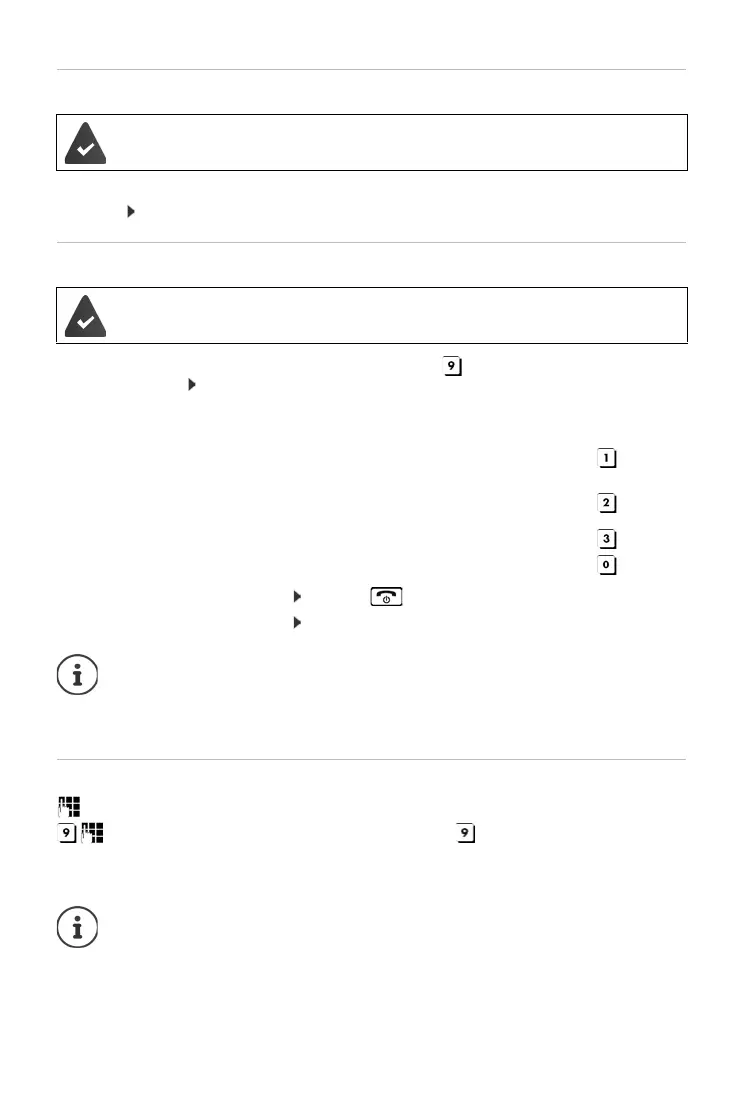
The answer machine is operated using the keypad:
Calling the answer machine and playing messages
You are informed whether any new messages have been recorded. The messages are now
played back. You can now operate the answer machine with the keypad.
The answer machine is deactivated.
The answer machine is activated.
During the time stamp playback: Skip to previous message.
During message playback: Go to the start of the current message.
Stop playback. Press again to resume.
After a pause of approx. 60 seconds, the connection is ended.
Go to the next message.
Delete current message.
Cancelling remote operation: Press the
or Replace the handset
The answer machine will terminate the connection under the following circumstances:
• The entered system PIN is incorrect.
• There are no messages on the answer machine.
• After the remaining memory announcement.
Dial your own number.
When you hear your announcement, press and enter the system PIN.
The connection is terminated:
• When an incorrect system PIN is entered
• After playing back the message(s)



 To Next Page