34
Template Go, Version 1, 01.07.2014 / ModuleVersion 1.0
Using the network mailbox
Gigaset E560A / LUG GBR en / A31008-M2708-L101-1-7619 / answering_m.fm / 7/14/16
Playing back messages
There are three ways to call the network mailbox.
• Call the network mailbox via the Answer Machine menu:
¤ Menu Answer Machine OK Play Messages OK Network
Mailbox OK
• Access the network mailbox via the network mailbox list:
¤ Network Mailbox: ( p. 21)
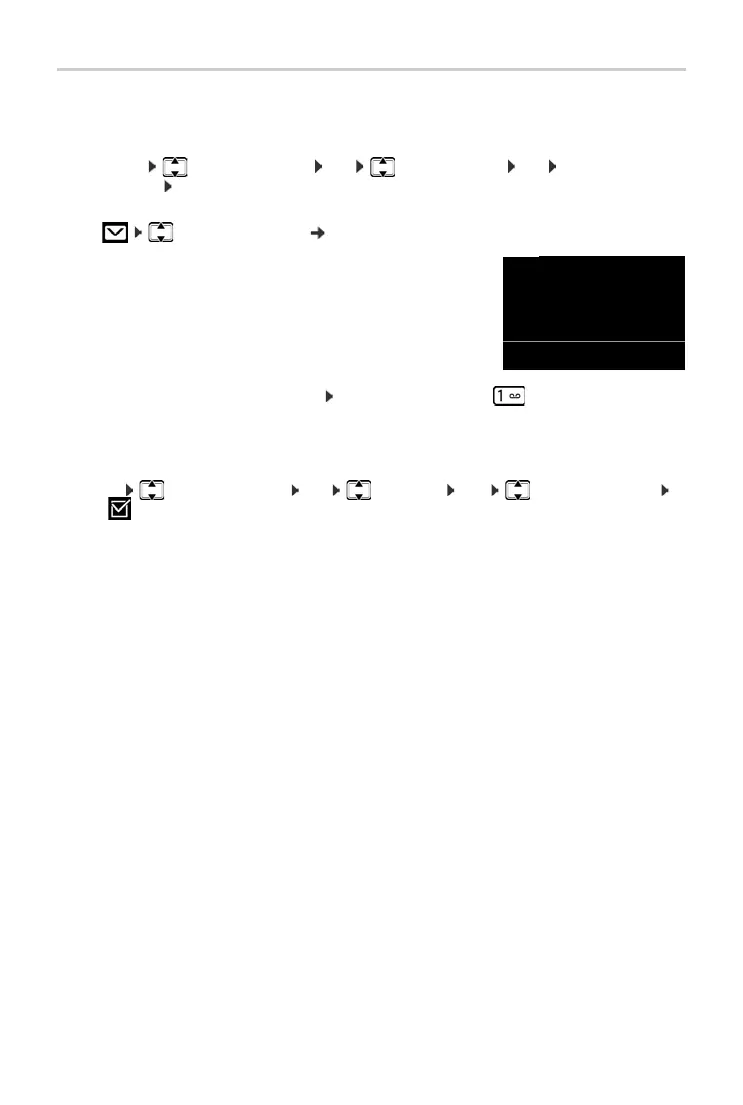
The list is displayed as follows:
00: The number of new messages is only displayed correctly if
your network provider transmits this information.
**: The number of old messages is not available.
• Speed dialling the network mailbox: Press and hold the key .
The network mailbox is preconfigured for fast access.
The integrated answer machine is preconfigured for fast access. You can switch to the network
mailbox.
¤ Menu Answer Machine OK Set Key 1 OK Network Mailbox
OK (=selected)
The setting for fast access applies to all handsets.
OK Press the display key to call up the network mail-
box.
Network -
Mailbox
01-**
Back OK



 To Next Page