Gigaset E720-E720A / LUG_Kombi CH en / A31008-M2903-F101-1-2X19 / directory.fm / 4/21/20
Template Module, Version 2, 20.02.2020
Directory
31
Caller Melody (VIP):
¤ . . . use to select the ringtone that will indicate a call from the participant . . . if a Caller
Melody (VIP) has been assigned, the entry will appear in the directory with the icon.
Save entry: S
ave
Searching for/selecting a directory entry
¤ . . . use to browse searched names
or
¤ . . . use to enter initial letters (max. 8 letters) . . . the display jumps to the first name
starting with these initial letters . . .
use to continue browsing to the desired entry, if
needed
Scroll through directory: Press and ho
ld
Displaying/changing an entry
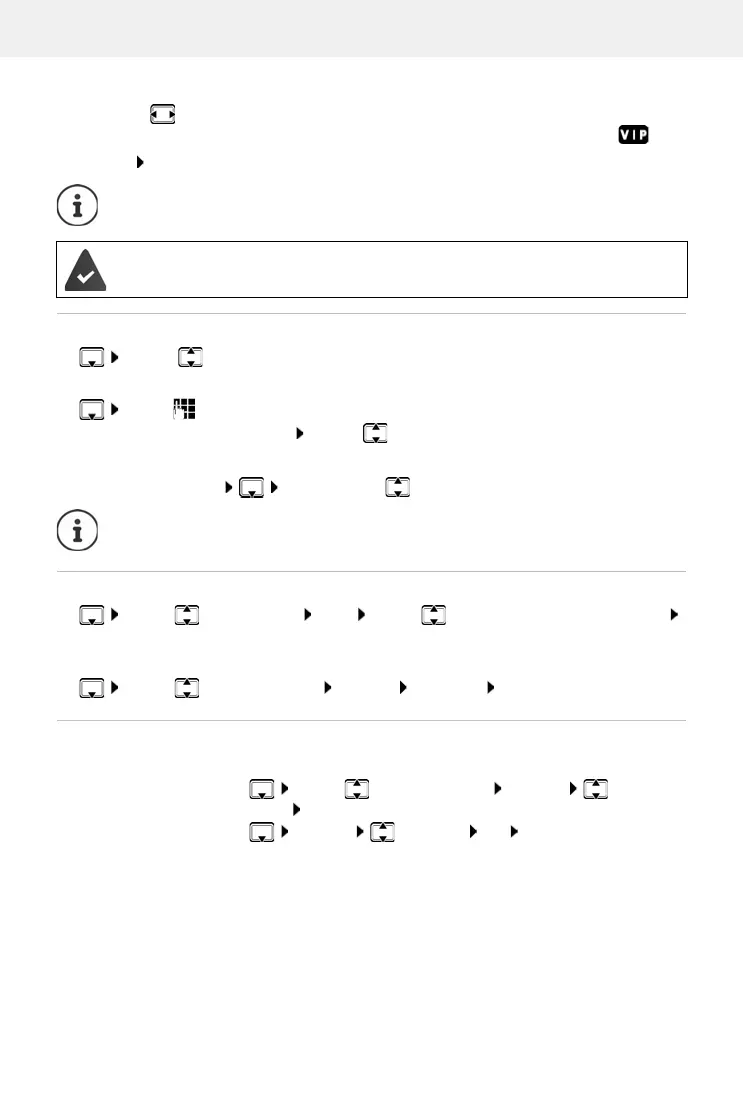
¤ . . . use to select entry View . . . use to select the field to be changed
Edit
or
¤ . . . use to select an entry Options Edit entry OK
Deleting entries
The entry is only valid if it contains at least one number.
For Caller Melody (VIP): the telephone number of the caller must be supplied.
If you have recorded an announcement for a contact, this announcement is read out
as soon as you select the contact.
Delete the selected entry:
¤ . . . use to select an entry Options Delete
entry OK
Delete all entries:
¤ Options Delete all OK Ye s



 To Next Page