Template Module, Version 2, 20.02.2020,
Directory
Gigaset E720-E720A / LUG_Kombi CH en / A31008-M2903-F101-1-2X19 / directory.fm / 4/21/20
32
Recording an announcement for incoming calls
You can record an announcement for a directory entry, e.g. the name of the contact. This
announcement is read out when you select the contact in the directory or when a call arrives
from this contact.
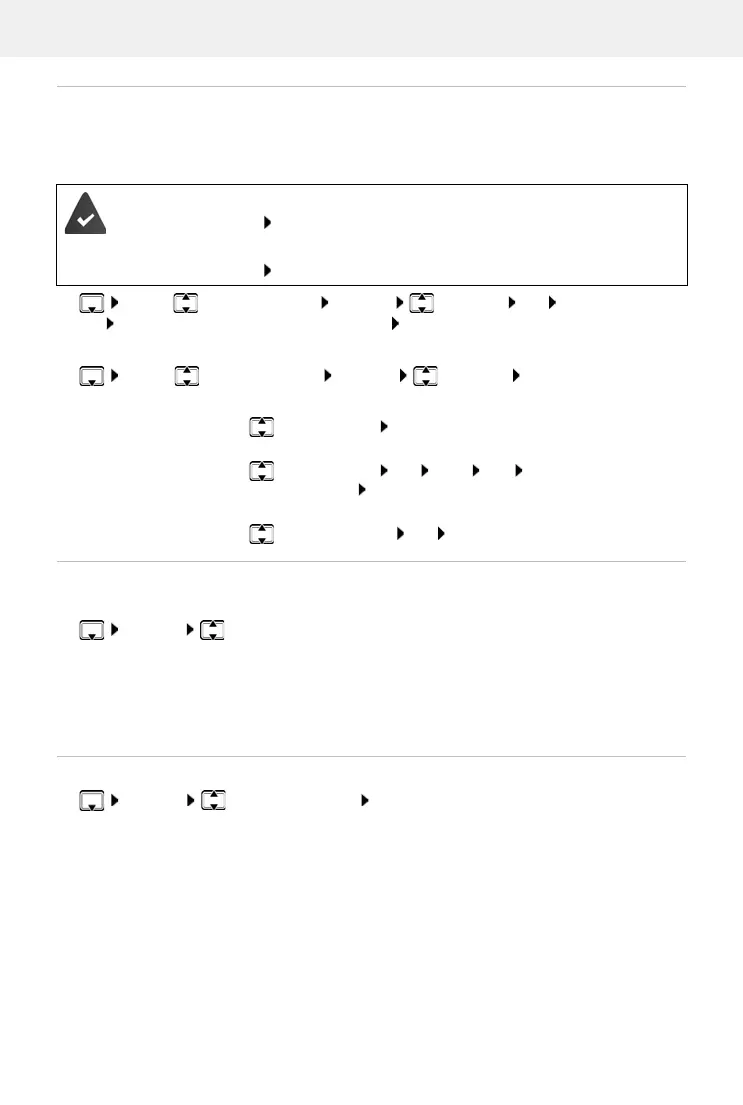
¤ . . . use to select an entry Options Voice Tag OK Record Voice Tag:
OK Record the announcement (max. 8 secs) Save
Checking/changing/deleting an announcement:
¤ . . . use to select an entry Options Voice Tag OK
Setting the order of the directory entries
Directory entries can be sorted by first name or surname.
¤ Options Sort by Surname / Sort by First Name
If no name was entered, the default telephone number is shown in the surname field. These
en
tries appear at the beginning of the list, regardless of how the entries are sorted.
The sort order is as follows:
Space | Digits (0-9) | Letters (alphabetically) | Other characters.
Displaying the number of entries available in the directory
¤ Options Available Memory OK
Read out announcement when the contact is selected from the directory:
• The Accessibility Read out contacts function is enabled.
Read out announcement for incoming call:
• The Accessibility Spoken Caller ID function is enabled.
Listen to an announcement:
¤ Play Voice Tag OK
Change an announcement:
¤ Play Voice Tag OK New Ye s Record the
announcement Save
Delete announcement:
¤ Delete Voice Tag OK Ye s



 To Next Page