Gigaset E720-E720A / LUG_Kombi CH en / A31008-M2903-F101-1-2X19 / settings_HS.fm / 4/21/20
Template Module, Version 2, 20.02.2020
Handset
77
Changing the earpiece and handsfree volume
You can set the volume of the earpiece and speaker at 5 levels independently of each other.
During a conversation
¤ Handset Volume . . . use to select volume Save . . . the setting is saved
Enabling/disabling Boost (extra-loud function): press the Boost key on the right of the
handset
In idle status
¤ . . . use to select Audio Settings OK Handset Volume OK . . . then
Earpiece and handsfree profile
Select a profile for the earpiece and handsfree mode in order to adapt the telephone as much
as possible to the surroundings. Check which is the most comfortable profile for you and your
caller.
¤ . . . use to select Audio Settings OK Acoustic Profiles OK
Earpiece Profiles / Handsfree Profiles OK . . . use to select profile
Select ( = selected)
Earpiece Profiles: Hi
gh or Low (default setting)
Handsfree Profiles: Pr
ofile 1 (default setting) or Profile 2
Ringtones
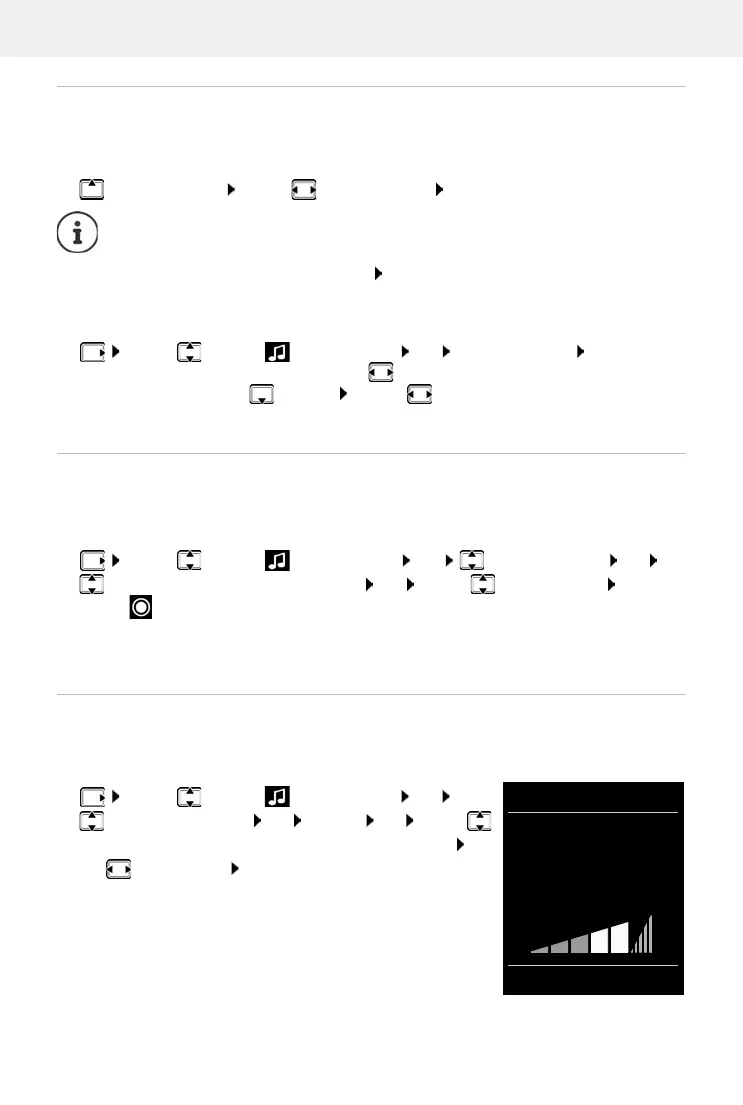
Ringtone volume
Volume can be set at 5 levels or crescendo (increasing volume).
¤ . . . use to select Audio Settings OK
Ringtones (Handset) OK Volume OK . . . use
to select For internal calls and alarms or External Calls . . .
use to set volume Save
Without saving, the setting is automatically saved after around 3 seconds.
For the earpiece:
¤ Earpiece: . . . use to set the volume
For the speaker:
¤ Speaker . . . use to set the volume
Save settings:
¤ Save
Volume
For internal calls
and alarms:
<
>
Back Save
Example



 To Next Page