G10
15
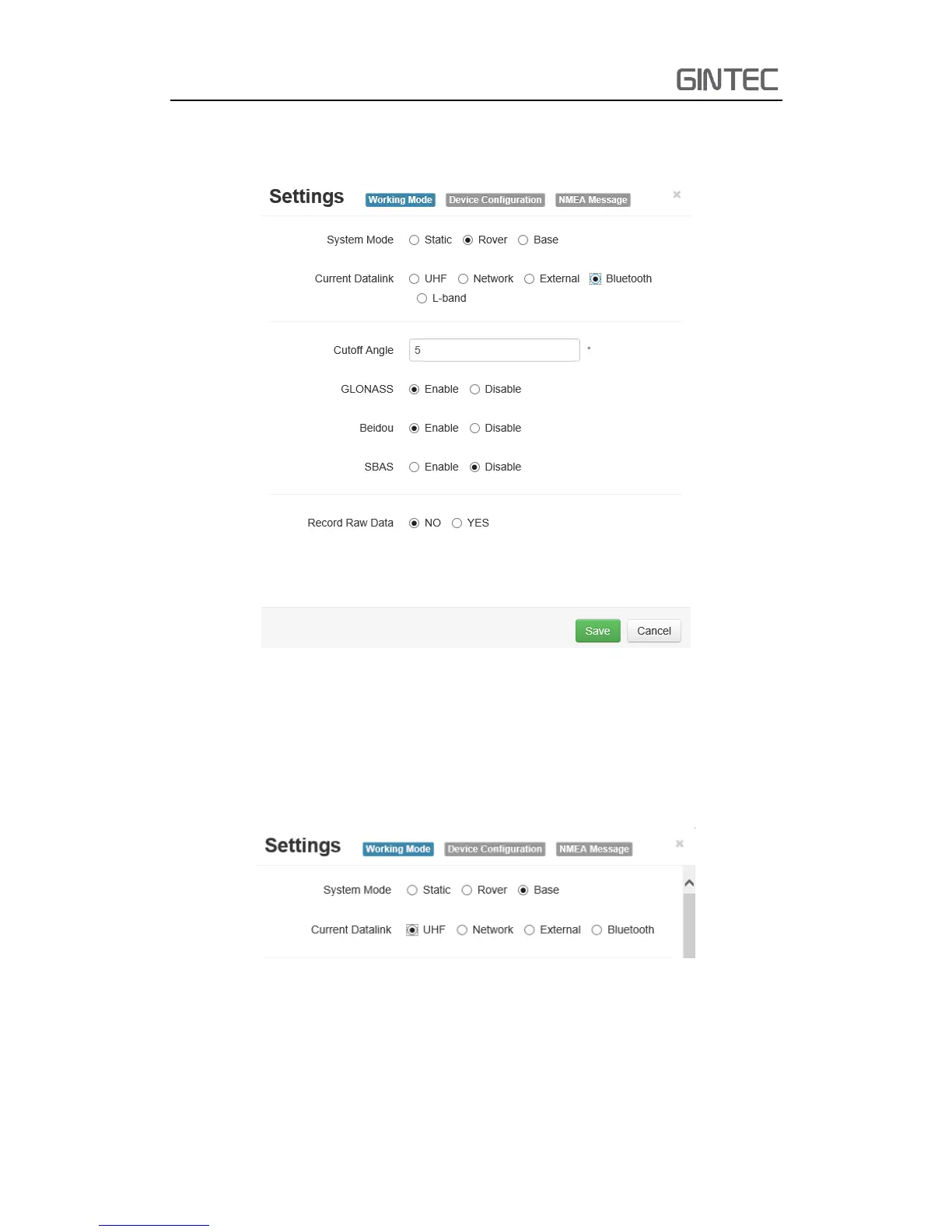
Then the last it’s Bluetooth, after selecting the datalink as Bluetooth, there
are little option that you can configure.
Figure 2-17 Rover Mode (Bluetooth datalink)
(c) Base mode
Base mode also contains different datalink, most of the parameters are same.
The only difference is the base mode has some more options can be edited,
shows as follow. Others are same as rover



 To Next Page