G10
17
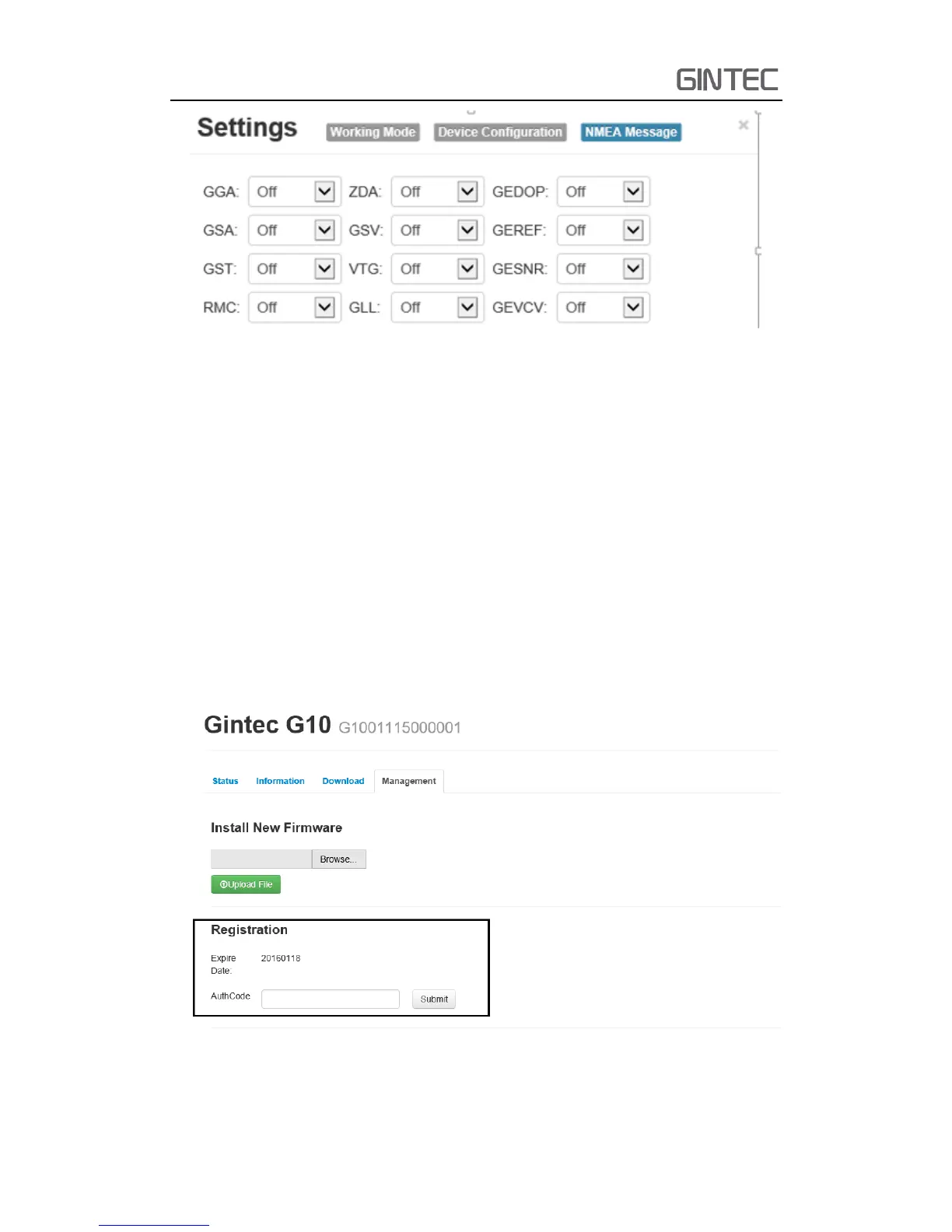
Figure 2-20 NEMA Message
2.4 Device Register
The register code is a 32 digits and letters, there are two ways to register. One is
via WEB UI function, another is via controller. The detailed steps as follow
2.4.1 Register via WEB UI
As shows in 2.3.4, in when you connect the WIFI of receiver, then select “Manage”,
you can see “Registration”. Input register code to “AuthCode” then click Submit, the
receiver will be registered.
Figure 2-21 Registration



 To Next Page